Fill A Form AI
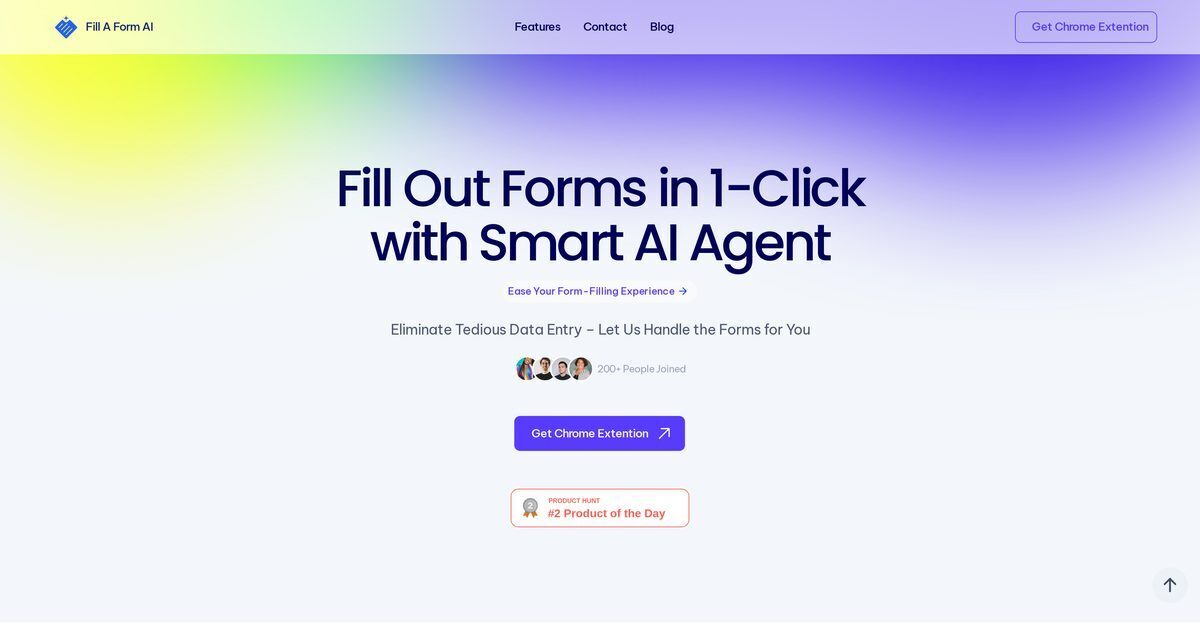
Fill A Form AI is an AI-powered automation tool that streamlines form filling across diverse digital platforms using one-click auto-fill functionality via a Chrome extension that auto-detects form fields. It learns from past filled forms, pulls answers from user data rather than external sources, and minimizes data entry errors while suggesting dynamic content for accuracy. Key features include managing multiple form templates, real-time updates to shared form libraries for collaboration, and direct syncing of form data to Google Sheets for analysis and reporting. Ideal for use cases like job applications, surveys, grant forms, healthcare intake, and more, it boosts productivity for individuals and organizations alike.
Pros
- One-click auto-fill functionality
- Minimizes data entry errors
- Learns from past forms
- Pulls answers from own data
- Manages multiple form templates
- Real-time shared form libraries updates
- Google Sheets integration
Cons
- Limited to web forms
- Only integrates with Google Sheets
- Reliant on user's previous data
- Doesn't support other knowledge bases
- Requires Chrome extension
- No mention of security measures
- Lacks advanced customization
- No API for developers
Fill A Form AI is an AI-powered automation tool primarily designed to expedite the process of form filling on various digital platforms. Its core feature is its one-click auto-fill functionality, which significantly minimizes data entry errors and processing time.
The one-click auto-fill functionality of Fill A Form AI works by detecting form fields and instantly populating them with appropriate information. It's built to minimize form processing time while ensuring minimal data entry errors.
Yes, Fill A Form AI is capable of learning from past filled forms. This feature helps the AI to efficiently complete new form fillings by utilizing data from previous entries.
Yes, Fill A Form AI has a robust feature for managing and accessing multiple form templates. This feature proves beneficial in maintaining organization and efficiency within different clients, departments, or projects.
Yes, Fill A Form AI can be seamlessly integrated with Google Sheets. Data from forms can be synced directly with Google Sheets, facilitating easy analysis, reporting, and management of data.
The dynamic content addition feature of Fill A Form AI intelligently suggests and inserts relevant content during the form-filling process. This aids in enhancing the completeness and accuracy of the information included in the forms.
Yes, Fill A Form AI does support real-time updates for shared form libraries across the organization. This feature fosters effective collaborative work by ensuring team members have access to the most current and updated form templates.
Yes, Fill A Form AI significantly reduces data entry errors. By leveraging previously submitted data for auto-filling forms, and through intelligent suggestions of relevant content during the form filling, it minimizes the chance of mistakes.
Yes, absolutely. Fill A Form AI is designed to function across diverse digital platforms. Its primary purpose is to expedite the process of form filling irrespective of the digital platform being used.
Yes, Fill A Form AI is highly beneficial for organizational use. Its features, such as the ability to manage and access multiple form templates, real-time updates for shared form libraries, and Google Sheets integration, promote efficiency, collaboration, and easy data management.
Become a Contributor
Sign in to unlock these features:
- ⭐️ Rate this tool with a 1-5 star score
- ✍️ Write a detailed review for the community
- ❤️ Follow this tool to get important updates
Get started in seconds
[jnews_social_login_form]