Gantt Chart AI
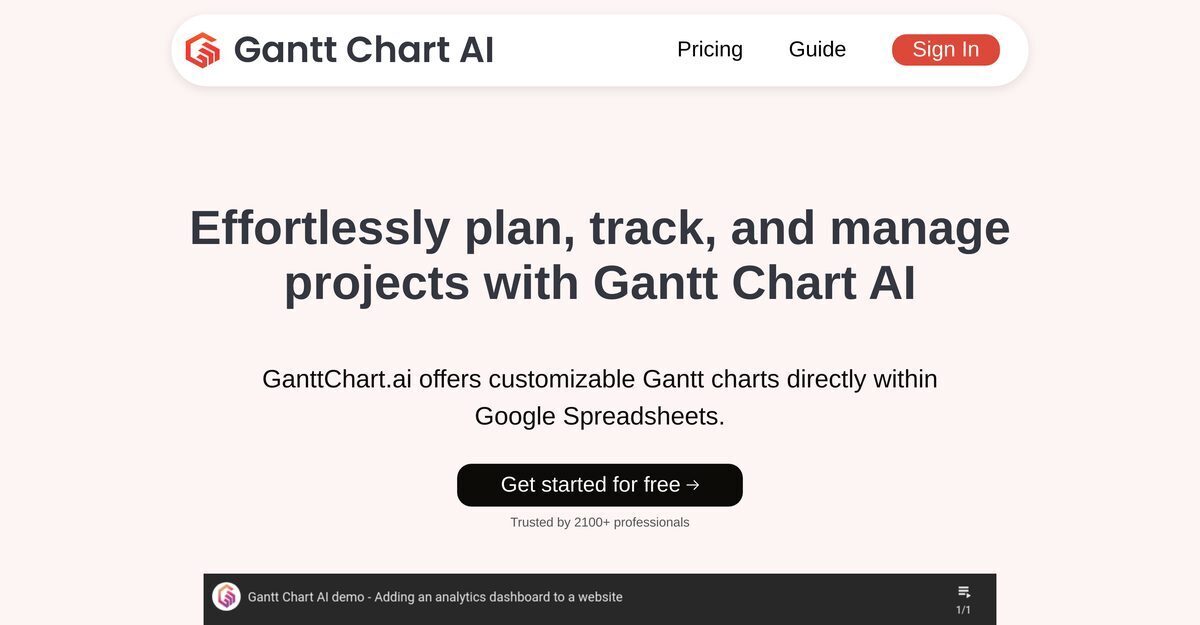
Gantt Chart AI is an AI-powered tool integrated directly into Google Spreadsheets that generates full, professional Gantt charts instantly from natural language project summaries, automating task creation, intelligent scheduling, durations, dependencies, and visual timelines. It enables quick iterations via simple text commands, supports export to Microsoft Excel for data manipulation, and offers customizable features tailored to specific project needs. The intuitive interface minimizes learning curves, promotes shareable charts for pre-meeting discussions to enhance strategic conversations, and ensures data security through strict access management and regular audits. This streamlines project planning and management without switching platforms, making it accessible for professionals.
Pros
- Google Spreadsheets integration
- Instant Gantt chart creation
- Microsoft Excel export
- Intuitive, user-friendly interface
- Gantt chart shareability
- Customizable features
- Time-saving tool
Cons
- Limited to Google Spreadsheets
- No offline access
- Not multi-platform
- Export limitations
- Limited Customization
- No standalone application
- Strict access management
- Security audits necessary
Gantt Chart AI is an AI-powered tool aimed at simplifying project planning and management. It offers users the feature of creating Gantt charts directly within Google Spreadsheets, eliminating the need for platform switching. It not only assists in visualizing project timelines effortlessly but also ensures data privacy and security with strict access controls.
The features of Gantt Chart AI include instant generation of Gantt charts from project summaries, Google Sheets integration, task tracking, data manipulation, and Microsoft Excel export capabilities. It also offers data security, access management, and an intuitive, user-friendly interface. The tool supports project planning, allows shareable Gantt charts, facilitates strategic conversations, and provides customizable features.
Gantt Chart AI integrates with Google Spreadsheets by allowing users to create and manage their Gantt charts directly within Google Sheets. This eliminates the need for users to switch platforms when tracking and managing their projects.
Gantt Chart AI is user-friendly in its seamless integration with tools such as Google Spreadsheets and Microsoft Excel, and its intuitive, straightforward interface. The platform also minimizes learning curve by simplifying complex project management tasks like generating full Gantt charts from project summaries.
Gantt Chart AI supports project management tasks through features like task tracking, data manipulation, instant Gantt charts, and visual timelines. It offers the ability to create timelines instantly based on project summaries which can be tracked and updated effortlessly.
Yes, Gantt Chart AI supports export functionalities to Microsoft Excel which allows for further data manipulation.
Gantt Chart AI ensures data security by adhering to stringent access management practices and performing regular security audits. The tool is designed to maintain high levels of data security to protect sensitive project information.
Yes, Gantt Chart AI offers customizable features which allow users to tailor the tool to meet their specific project planning needs.
Gantt Chart AI simplifies the process of creating Gantt charts by leveraging AI to instantly generate a full Gantt chart from a given project summary. It also allows users to create and manage these charts directly within Google Spreadsheets, thereby simplifying the visualization of project timelines.
The shareability feature of Gantt Chart AI allows users to share their project timelines with team members or stakeholders effortlessly. This not only enables pre-meeting discussions but also fosters strategic and meaningful conversations during the meetings.
Become a Contributor
Sign in to unlock these features:
- ⭐️ Rate this tool with a 1-5 star score
- ✍️ Write a detailed review for the community
- ❤️ Follow this tool to get important updates
Get started in seconds
[jnews_social_login_form]