Visla
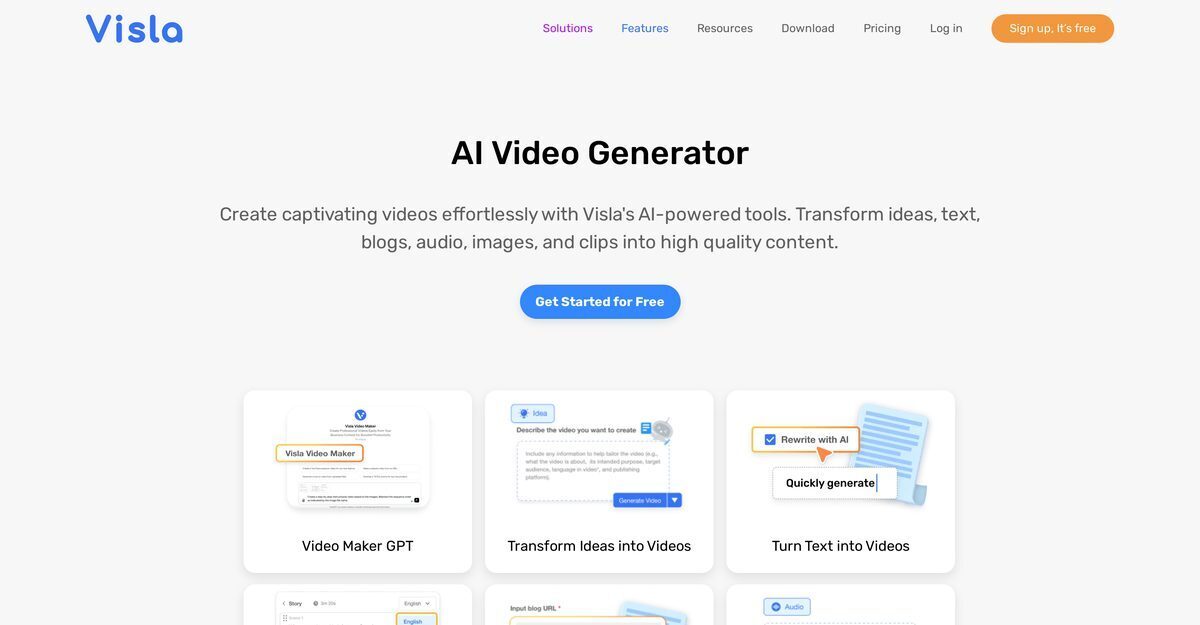
Visla is an AI-powered video generator that transforms text, scripts, blogs, audio, PDFs, PPTs, images, and video clips into polished professional videos, complete with auto-recommended stock footage, AI voiceovers, subtitles, and background music. It offers comprehensive editing tools including scene-based editing, auto-cutting, filler word removal, text-based editing, screen recording, multi-camera support, and AI avatars with voice cloning for personalized content. Designed for teams in marketing, sales, training, and product development, Visla enables seamless collaboration through sharing, comments, calls-to-action, and integrations like Zoom and Slack, with export options up to 4K on higher plans.
Pros
- GPT-3 technology for script generation
- Custom video tone and style options
- Quick creation of professional demos
- Auto-recommended footage from stock libraries
- Automatic video editor and subtitle generator
- Screen step recorder for tutorials
- Collaboration features with comments and sharing
- Multi-purpose for marketing, training, and sales
Cons
- Requires multiple integrations
- Complex for beginners
- Reliance on GPT-3 technology
- Limited collaboration features
- No offline functionality
- Dependency on pre-existing content
- Lack of customizability
- Limited scene-based editing features
Visla's AI Video Generator is a powerful tool that utilizes AI to facilitate the quick and efficient creation of visually impressive videos from ideas, scripts, blogs, audio, and more.
It harnesses GPT-3 to craft compelling stories from ideas, generate narrative text, and tailor video tone and style.
Input ideas or scripts, AI generates and revises text, recommends footage, and produces a tweakable demo video.
Transforms ideas into scripts via GPT-3, customizes them, suggests footage, and blends into a captivating video.
AI suggests relevant clips and images from premium, private, and free stock to enhance video visual appeal.
Input blog content, AI creates a script, recommends footage, and generates a compelling video representation.
Records screen steps for creating crisp walkthroughs and tutorials.
Auto-subtitle generator transcribes audio into timed subtitles, editable for accessibility.
Yes, adds background music and removes filler words for professional audio.
Yes, includes core AI features for text, scripts, links, audio, images, files with 1,000 credits monthly and 1080p export.
Become a Contributor
Sign in to unlock these features:
- ⭐️ Rate this tool with a 1-5 star score
- ✍️ Write a detailed review for the community
- ❤️ Follow this tool to get important updates
Get started in seconds
[jnews_social_login_form]