Video Highlight
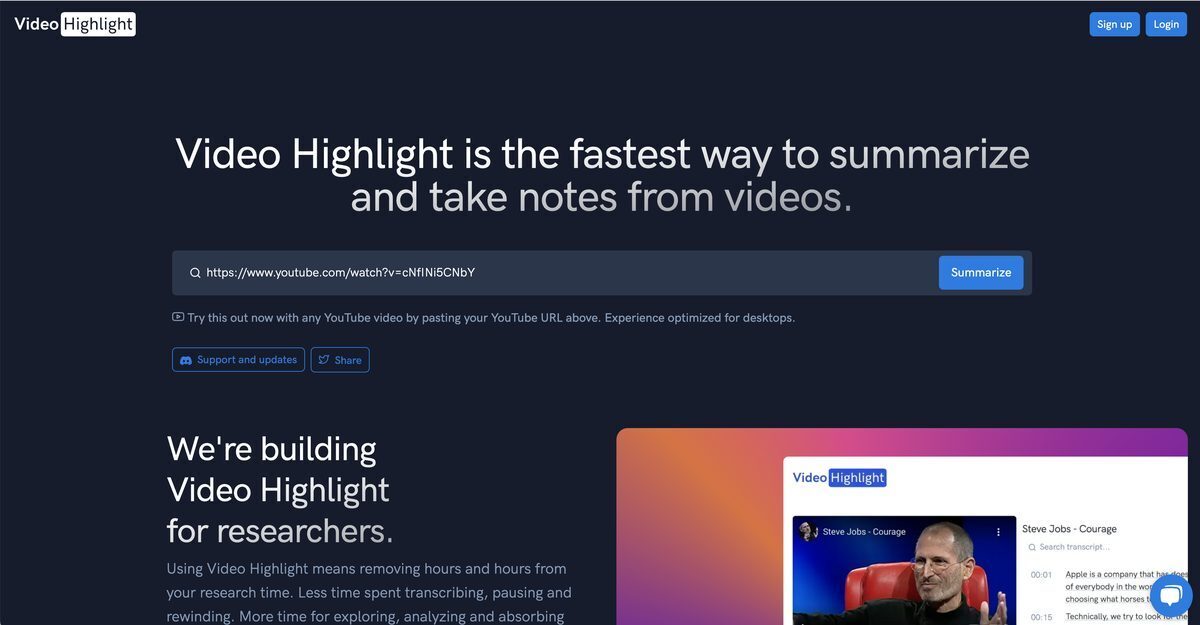
Video Highlight is an AI-powered tool that summarizes, transcribes, and extracts key points from videos with precise timestamps, transforming hours of content into actionable insights quickly. It supports pasting links from YouTube, Vimeo, Dailymotion, or uploading videos up to 500MB, offers multilingual transcription in 24 languages, interactive navigation, AI-suggested highlights, and chat functionality for instant answers. Users can add screenshots to notes, export to Notion, Readwise, Roam Research, Evernote, or markdown, making it ideal for researchers, students, and creators. Optimized for desktop with real-time streaming results, it enhances research efficiency and deeper video engagement.
Pros
- User-friendly interface
- Extracts key points
- Transcripts and timestamps
- Quick content skimming
- Add screenshots to notes
- Compatible with YouTube
- Exports notes to Roam Research, Notion, Evernote, Readwise
Cons
- Only for desktop
- Only compatible with YouTube
- Can't handle surge in demand
- No mobile application
- Limited export destinations
- No multi-language support
- Can't edit timestamps
- No offline mode
Video Highlight is an AI-powered tool designed to help users summarize and take notes from videos in a fast and convenient manner, enabling a more interactive and efficient engagement with video content.
Video Highlight leverages AI technology to extract key points from videos, facilitating an efficient and streamlined process for video note-taking.
The user interface of Video Highlight is designed to be clean, intuitive, and user-friendly, combining elegant design with world-class performance.
Through Video Highlight, users can find specific information within a video by utilizing transcripts and timestamps. This allows users to quickly and easily skim through the contents of a video.
Users can export their notes directly from Video Highlight to tools such as Roam Research, Notion, Evernote, or connect with Readwise accounts.
Yes, Video Highlight is fully compatible with YouTube videos. Users can summarize and take notes from any YouTube video using Video Highlight.
The target audience of Video Highlight are individuals who desire to enhance their research efficiency by minimizing transcription efforts and sharpening their analytical focus.
Yes, Video Highlight is optimized for desktop use. This allows users to take advantage of better visibility and processing capabilities of desktops for their video note-taking activities.
Absolutely, Video Highlight provides transcripts and timestamps for the video content. This helps users find specific details within the video, skim through content before deciding to watch it in full, and make indexing and referencing more convenient.
Video Highlight is a fast note-taking tool for videos due to its application of AI technology. This allows it to extract key points from videos quickly, create transcripts and timestamps, and enable users to engage with video content like they would with text-based content.
Become a Contributor
Sign in to unlock these features:
- ⭐️ Rate this tool with a 1-5 star score
- ✍️ Write a detailed review for the community
- ❤️ Follow this tool to get important updates
Get started in seconds
[jnews_social_login_form]