Luma AI
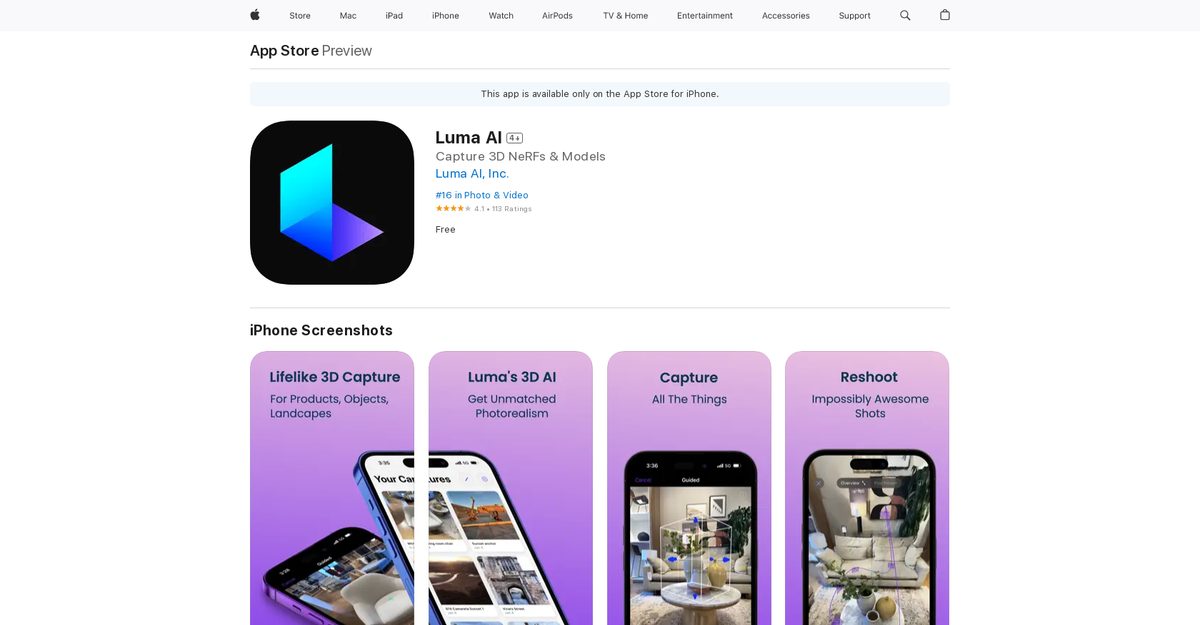
Luma AI is an innovative iOS app that leverages AI and the iPhone camera to capture lifelike 3D scenes, objects, landscapes, and moments without specialized equipment like Lidar. Users can create detailed 3D models with intricate reflections, lighting, and details, export them as meshes, NeRFs, or Gaussian Splats to engines like Unity, Blender, and Unreal for game development or product showcasing. It supports AR viewing and capture (iPhone 11+), cinematic product videos, TikTok-style moves, and features like Dream Machine for quick image/video generation via natural language. Ideal for content creators, marketers, game developers, and 3D enthusiasts, it offers a free tier with in-app purchases and an active Discord community.
Pros
- Easy 3D capture with iPhone camera, no specialized equipment needed
- Highly user-friendly interface with fast, smooth experience
- Exports high-quality 3D assets to Unity, Blender, Unreal
- Supports product showcasing in 3D for websites and e-commerce
- AR viewer/recorder and Fields Editor for fine-tuning
- Active Discord community for support and sharing
- Free tier with tracking of remaining renders and dark mode
Cons
- Exclusively available on iOS, no Android support
- Requires iPhone 11 or newer for full AR capture
- Limited 3D file export options
- No Lidar support
- App performance issues reported
- Limited language support (English primarily)
- Potential privacy concerns with data collection
- Community support mainly via Discord
Luma AI is an iOS app using AI to create lifelike 3D captures of scenes, objects, and landscapes with an iPhone camera, including features like Dream Machine for images/videos.
AR capture requires iPhone 11 or newer; viewing and video uploads work on iPhone X/XR+. Needs iOS 16.0+.
No, it uses the standard iPhone camera without needing Lidar or other specialized gear.
Capture high-quality 3D game assets and export as meshes, NeRFs, or Gaussian Splats to Blender, Unity, or Unreal Engine.
Free app with in-app purchases; plans like Dream Machine Credits $4, Lite $9.99, Plus $29.99, Unlimited $94.99.
Yes, capture products in true 3D for website embedding, creating realistic views that improve online shopping.
Faster capture, remaining free renders tracking, dark mode, NeRF AR viewer/recorder, Fields Editor, and performance fixes.
Join the Discord community at lumalabs.ai/discord to share experiences, seek help, and exchange ideas.
3D models (meshes, NeRFs, Gaussian Splats), cinematic videos, AR recordings, and AI-generated images/videos.
Yes, it has a free tier with limited renders; paid plans unlock more credits and features via in-app purchases.
Become a Contributor
Sign in to unlock these features:
- ⭐️ Rate this tool with a 1-5 star score
- ✍️ Write a detailed review for the community
- ❤️ Follow this tool to get important updates
Get started in seconds
[jnews_social_login_form]