Picture To Text Converter
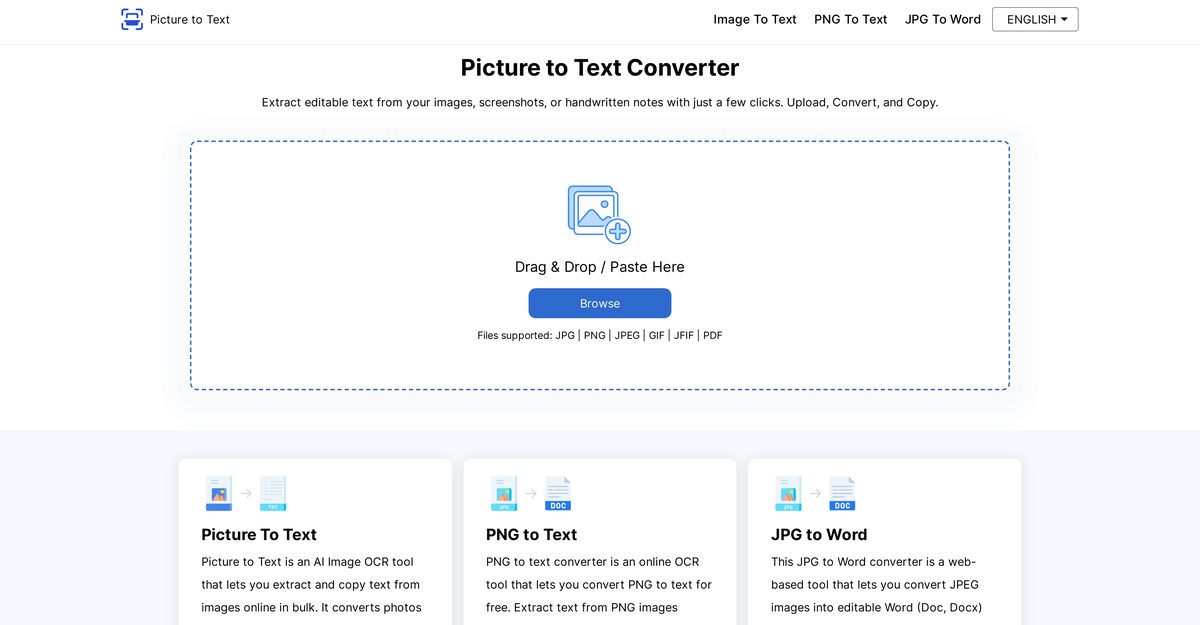
Picture To Text Converter is an online AI tool powered by Tesseract-OCR technology that extracts and transcribes text from images in formats like JPG, PNG, PDF, GIF, JPEG, TIFF, BMP, WEBP, and SVG. It handles scanned documents, blurred images, handwritten notes, and supports batch processing for multiple files simultaneously, along with over 20 languages such as English, German, Spanish, Russian, and Korean. The tool prioritizes data security by not storing user images or extracted text, offers options to copy to clipboard or download as TXT, and is completely free with no logins, subscriptions, or hidden charges. It excels in digitizing office documents, invoices, receipts, screenshots, and is ideal for improving workflows in offices, education, research, and more.
Pros
- Supports multiple formats
- Uses Tesseract-OCR technology
- Recognizes text from scans
- Works with blurred images
- Transcribes handwritten notes
- Batch processing capability
- Supports over 20 languages
Cons
- Doesn't support all languages
- No integration options
- No mobile application
- Dependent on internet connection
- No option to edit in-tool
- Relies on Tesseract-OCR only
- Lack of document storage capability
- No OCR tuning capabilities
Picture To Text Converter is an online artificial intelligence tool designed to extract and transcribe text from images in various formats. It generates editable text from scanned documents, blurred images, and handwritten notes. It's powered by Tesseract-OCR technology.
Picture To Text Converter can support a wide array of image formats including JPG, PNG, PDF, GIF, JPEG, TIFF, BMP, WEBP, and SVG.
Picture To Text Converter uses advanced AI technologies, namely Tesseract-OCR, to scan, recognize, and convert text from images into editable formats.
Yes, the tool is quite efficient at recognizing text from blurred images and handwritten notes thanks to its advanced Tesseract-OCR technology.
The tool features a batch processing capacity, allowing for simultaneous conversion of multiple images.
Yes, Picture To Text Converter provides support for over 20 languages, including but not limited to English, German, Spanish, Russian, and Korean.
Yes, Picture To Text Converter is secure. It does not store user's images or the extracted text, demonstrating a commitment to user data protection.
Upon the completion of the extraction process, users can either copy the text to clipboard or download it as a TXT file.
Using Picture To Text Converter is completely free. It requires no logins, subscriptions, or any hidden charges.
The Picture To Text Converter is highly accurate and reliable due to its utilization of Tesseract-OCR technology, a sophisticated AI model for text recognition.
Become a Contributor
Sign in to unlock these features:
- ⭐️ Rate this tool with a 1-5 star score
- ✍️ Write a detailed review for the community
- ❤️ Follow this tool to get important updates
Get started in seconds
[jnews_social_login_form]