Flexclip
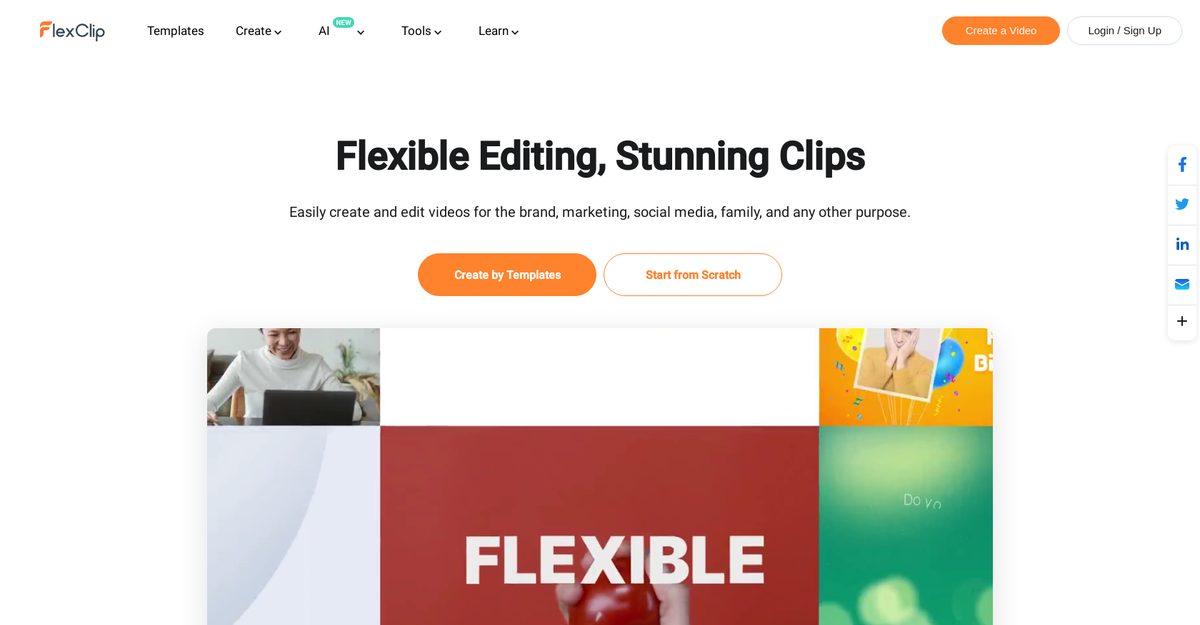
FlexClip is a versatile, user-friendly online video editor and maker designed for beginners and professionals, offering thousands of templates for business, promo, lifestyle, social media, and more without requiring prior editing skills. It provides comprehensive features like video trimming, merging, speed adjustment, compression, screen recording, slideshows, memes, GIFs, and AI-powered tools including text-to-video generation, AI video scripts, image generation, auto-subtitles, text-to-speech, background removal, and auto-editing for professional results. Cloud-based with royalty-free stock assets, motion graphics, and support for platforms like YouTube, Instagram, and TikTok, it streamlines content creation for marketing, tutorials, and personal videos.
Pros
- Free online tool
- User-friendly interface
- No video editing skills required
- Wide range of templates
- Supports social media formats
- Thousands of ready templates
- Royalty-free stock assets
Cons
- No offline version
- Limited advanced editing features
- Dependent on internet speed
- No PC software availability
- Potential loss of work due to cloud issues
- Lacks 4K support
- Not suitable for extensive editing
- Limited/free version restrictions
FlexClip has a range of features designed for video creation and editing. These include a robust online video editor and video maker tool that allows you to add various effects such as text, music, and animations. In addition, it offers tools for creating slideshows, generating memes and GIFs, screen recording, audio conversion, video speed changing, video trimming and merging, video compression, video format conversion, and adding various elements to videos like music, text, watermark, and transitions. It also supports artificial intelligence capabilities including text to video conversion, AI video script, AI image generator, and automatic subtitles among others.
Yes, FlexClip is highly user-friendly even for beginners. You do not need any video editing skills to use it. The tool has been designed to be intuitive and simple to navigate. Moreover, with templates readily available for various purposes, users can quickly start creating professional-looking videos.
FlexClip provides a very diverse range of templates for different purposes. Some of these categories include business, promo videos, real estate videos, news videos, trailer videos, and tutorial videos. It also offers templates specifically tailored for lifestyle-related videos such as birthday videos, wedding videos, memorial videos, anniversary videos, music videos, and travel videos.
FlexClip extends comprehensive support for social media platforms. It offers templates specifically designed for YouTube, Facebook, Instagram, Twitter, and TikTok videos, simplifying the process of creating platform-specific content.
Apart from the main video editing function, FlexClip comes with other tools for different purposes. Some of these tools include a slideshow maker, meme generator, GIF maker, screen recorder, audio converter, video speed changer, video trimmer, video merger, video compressor, and video format converter. You can also add various elements such as music, text, watermark, and transitions to your videos. Additionally, it has advanced AI tools for enhancing the video creation process, and motion graphics options for adding dynamic layers to your content.
Yes, FlexClip is designed to cater to both personal and professional video creation needs. It provides a wide array of templates perfectly suited for business and promotional videos and supports customizable content creation which makes it a suitable tool for creating commercial, corporate, real estate, marketing, and other professional videos.
Yes, FlexClip offers extensive resources for learning about video editing, recording, marketing, and conversion. It also provides tips and best practices for using the tool effectively. Users can access these resources to enhance their knowledge about video creation and promotion strategies.
FlexClip incorporates multiple AI features such as AI Text to Video, AI Video Script, AI Image Generator, AI Text to Speech, AI Auto Subtitle, and AI Background Remover. These tools can help to streamline the video creation process, making it more efficient and less time-consuming.
Yes, FlexClip offers a Meme Generator and GIF Maker among its toolset. These tools enable users to create engaging and shareable content easily.
Yes, FlexClip provides Motion Graphics options. This feature enables users to add dynamic, animated visual elements to their videos, enhancing their appeal and effectiveness.
Become a Contributor
Sign in to unlock these features:
- ⭐️ Rate this tool with a 1-5 star score
- ✍️ Write a detailed review for the community
- ❤️ Follow this tool to get important updates
Get started in seconds
[jnews_social_login_form]