Mockitt
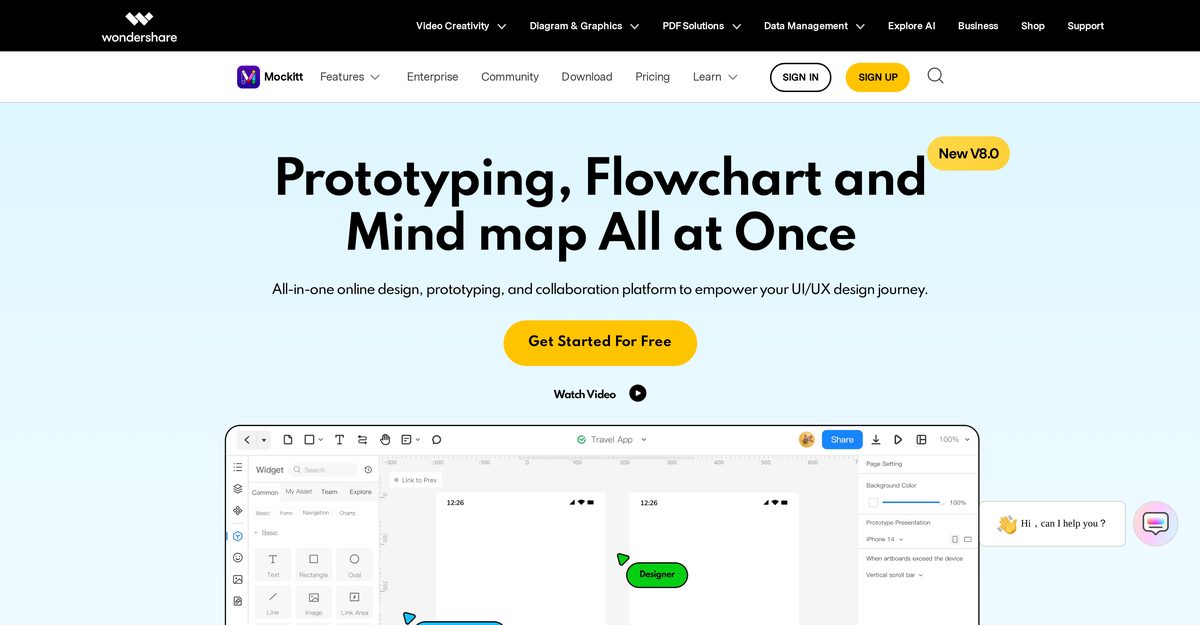
Wondershare Mockitt is a cloud-based design and prototyping platform that enables teams to create interactive UI/UX designs, flowcharts, and mind maps efficiently. It facilitates real-time collaboration, allowing designers, developers, and stakeholders to work together seamlessly with features like automated developer handoff and code generation. The platform integrates AI-powered tools to accelerate the creation of prototypes and visual workflows, making it suitable for both rapid prototyping and complex design systems.
Pros
- Intuitive drag-and-drop interface suitable for beginners and professionals
- Real-time collaboration for team editing and feedback
- Automated developer handoff with code generation (CSS, Swift, Android)
- Built-in library of templates and UI components
- Supports interactive and animated prototyping
- Cross-platform accessibility via web browser and desktop app
- AI-powered features for rapid prototype and flowchart generation
Cons
- Offline functionality is limited compared to online features
- Advanced design capabilities may be less robust than specialized tools like Figma
- Mobile app functionality is restricted compared to the desktop version
- Some advanced features are locked behind paid subscriptions
- Limited third-party integrations compared to industry leaders
- Exported code may require manual tweaking for production use
- Occasional performance lags with very large projects
Wondershare Mockitt is an online design and prototyping tool that helps teams create interactive UI/UX designs and collaborate in real-time.
Yes, Mockitt offers a free starter plan that includes basic features for individual users.
Yes, multiple team members can edit, comment, and view designs simultaneously in real-time.
No, the platform is designed to be code-free, using a drag-and-drop interface for creating interactive prototypes.
Yes, Mockitt automatically generates code snippets (CSS, Swift, Android XML) for developers to speed up the handoff process.
Mockitt is primarily cloud-based, but a desktop version is available which offers some offline capabilities.
You can design prototypes for various platforms including iOS, Android, web, and custom screen sizes.
Yes, it provides a rich library of templates and UI widgets to help users start their projects quickly.
Mockitt supports importing designs from tools like Sketch to make the transition easier.
The AI features assist in generating prototypes, flowcharts, and mind maps quickly, streamlining the initial design phase.
Become a Contributor
Sign in to unlock these features:
- ⭐️ Rate this tool with a 1-5 star score
- ✍️ Write a detailed review for the community
- ❤️ Follow this tool to get important updates
Get started in seconds
[jnews_social_login_form]