Pickaxe
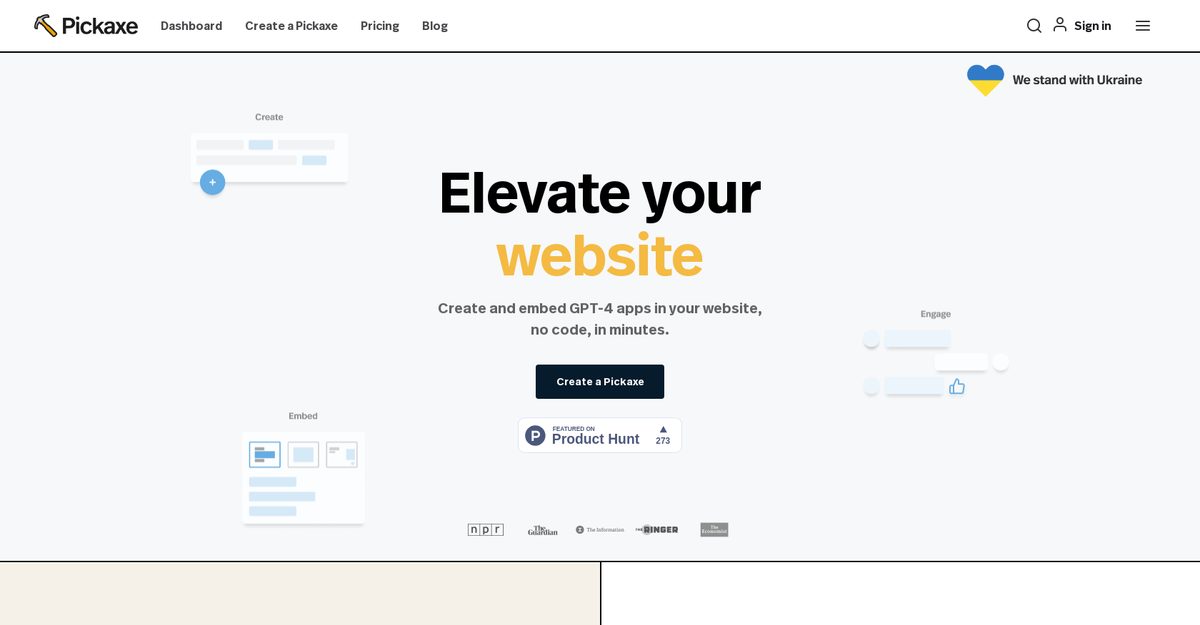
Pickaxe is a no-code platform designed for prompt engineers to seamlessly integrate generative AI prompts across their organizations. It allows users to create and embed GPT-4 applications on websites without requiring coding skills, making it accessible for non-technical users. The platform features a visual prompt-framing builder that enables users to train AI models with their own documents and data. Additionally, Pickaxe provides a dashboard for monitoring app performance, allowing continuous refinement and feedback based on user interactions. With pre-built templates and customization options, Pickaxe empowers teams to manage AI-powered applications effectively.
Pros
- No-code platform for easy integration
- Accessible to non-technical users
- Visual prompt-framing builder enhances training
- Dashboard for monitoring and improving AI apps
- Continuous feedback and refinement capabilities
- Pre-built templates for quick startup
- Custom template creation for tailored solutions
- White-label options available in Gold Plan
- Enterprise-level security in Partner Plan
- Supports embedding directly on websites and dashboards
Cons
- Lack of native monetization features
- Credits consumed for every prompt run
- Extra fees for purchasing additional credits
- White-labeling limited to Gold Plan
- No direct API for integration
- Customization options can be limited
- Enterprise features may be restricted
- Inability to publicly share templates
- Extensive credit usage for testing apps
- No offline usage capability
Pickaxe is a no-code platform that allows engineers to integrate generative AI applications across their organization. It enables users to create and embed GPT-4 apps on their website without any coding requirements and offers a visual prompt-framing builder to train AI models.
After creating a Pickaxe app, users can visit it on their dashboard, click the 'embed' button, customize the app, and copy the embed link to paste on their website.
Pickaxe can be used by anyone, technical or non-technical, and is particularly helpful for prompt engineers to build and manage AI-powered apps.
Users can customize the design and size of their AI apps and have options for white-labeling embedded Pickaxes.
Pickaxe offers pre-built templates for various applications, such as a Start-up Coach and a List Builder, and allows users to create and share their own templates.
Yes, Pickaxe has a dashboard that allows users to monitor their app's activity, view responses, and provide feedback for continuous improvement.
Yes, Pickaxe allows users to train AI models using their own documents and data through the visual prompt-building tool.
Yes, Pickaxe offers a free beginner plan and paid plans including a Gold Plan for additional features and a Partner Plan for enterprise-level solutions.
Users can monitor their apps via the dashboard, view responses, and provide feedback to refine their applications based on user interactions.
The Gold Plan provides users with 1,000 credits per month, access to GPT-4, document interrogation capabilities, and white-label options.
Become a Contributor
Sign in to unlock these features:
- ⭐️ Rate this tool with a 1-5 star score
- ✍️ Write a detailed review for the community
- ❤️ Follow this tool to get important updates
Get started in seconds
[jnews_social_login_form]