We’ve all been there. You have a great idea for an Instagram Reel, a YouTube tutorial, or a quick TikTok. You film the clips on your phone… and then you stop.
Why? Because the moment you think about video editing, you picture a $3,000 computer running overwhelmingly complex software with a million buttons, timelines, and effects. This “intimidation barrier” is the single biggest reason most people never move from consuming content to creating it.
But here’s the truth: You don’t need any of that anymore.
The technology for creating professional, engaging videos has fundamentally changed. The barrier to entry for video editing is lower than ever. You already have everything you need to start: a web browser and your source files. This guide breaks down how to get started with video editing.
You don’t need a supercomputer (just a browser) for video editing
The biggest myth in video creation is that you need to download and install massive, resource-hungry programs. For a professional Hollywood colorist? Yes. For 99% of social media and business video editing? Absolutely not.
The new generation of video editing tools is completely online. This approach has several huge advantages:
- No downloads: You don’t install anything. It works right in your browser, saving space on your device.
- Device agnostic: You can start a project on your Windows PC at home and finish it on your MacBook at the office. The software doesn’t care if you’re on a Mac, Windows, or even a Chromebook.
- No experience needed: The user interfaces are designed for beginners, not for certified professionals. They are clean, user-friendly, and built to help you get your project done quickly.
The reality is that modern online video editing platforms are designed to handle all the heavy lifting in the cloud. You just upload your clips, arrange them on a simple timeline, and let the service do the work.
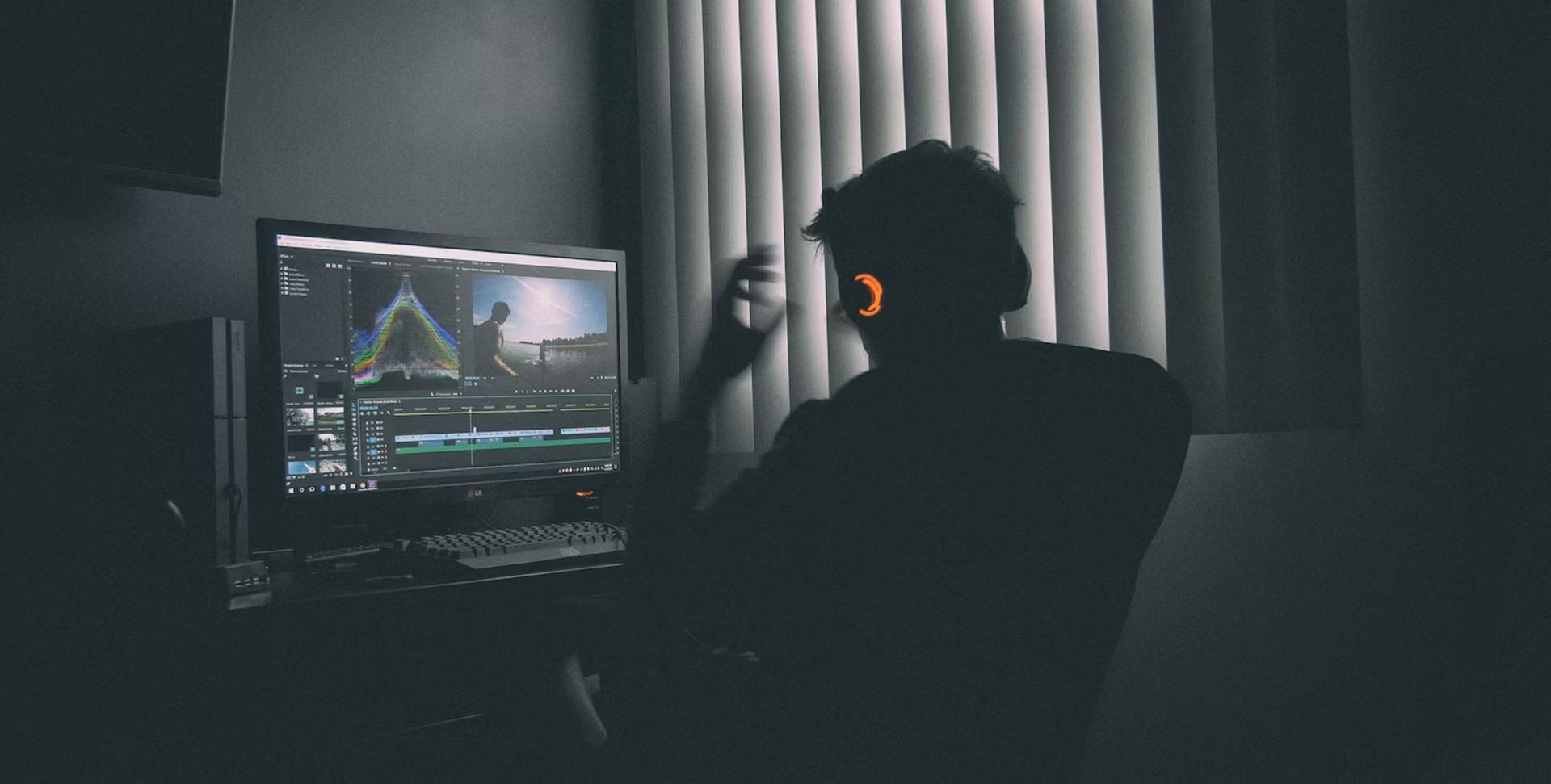
5 easy video editing techniques for standout social media videos
“Editing” is just a fancy word for making smart choices. Here are five simple video editing techniques you can do in any basic online video editor to make your videos look 10x better.
1. Start with the right canvas (aspect ratios)
Ever see a video on TikTok with huge black bars on the sides? That’s because it was edited in the wrong shape. Before you do anything else in your video editing process, set your “aspect ratio.”
- 9:16 (Vertical): For TikTok, Instagram Reels, and YouTube Shorts.
- 1:1 (Square): For Instagram feed posts or LinkedIn.
- 16:9 (Landscape): For standard YouTube videos.
Good editors have presets for this, so you can just click “YouTube” or “Instagram Story” and the canvas is set up for you.
2. Create dynamic layouts (Split-screen & PiP)
You don’t have to just show one clip at a time. Two of the most engaging video editing formats are:
- Split-Screen: This is perfect for “before and after” videos, interviews, or showing two perspectives at once.
- Picture-in-Picture (PiP): This is the standard for reaction videos, gaming videos (showing your face over the gameplay), or for tutorial-style “talking head” commentary.4
This used to be a complex task, but now it’s often as simple as dragging two video clips onto the timeline and resizing their corners.
3. Master “sound-off” viewing with text
According to a study by Verizon Media, a staggering 69% of consumers on mobile watch videos with the sound off. If your video relies on a voiceover, it’s useless without text.
Don’t just rely on auto-captions. Use the text tools in your video editor to add bold, clear headlines, highlight key points, and emphasize your call to action. Look for tools that let you change the font, color, and add a background to your text to make it pop.
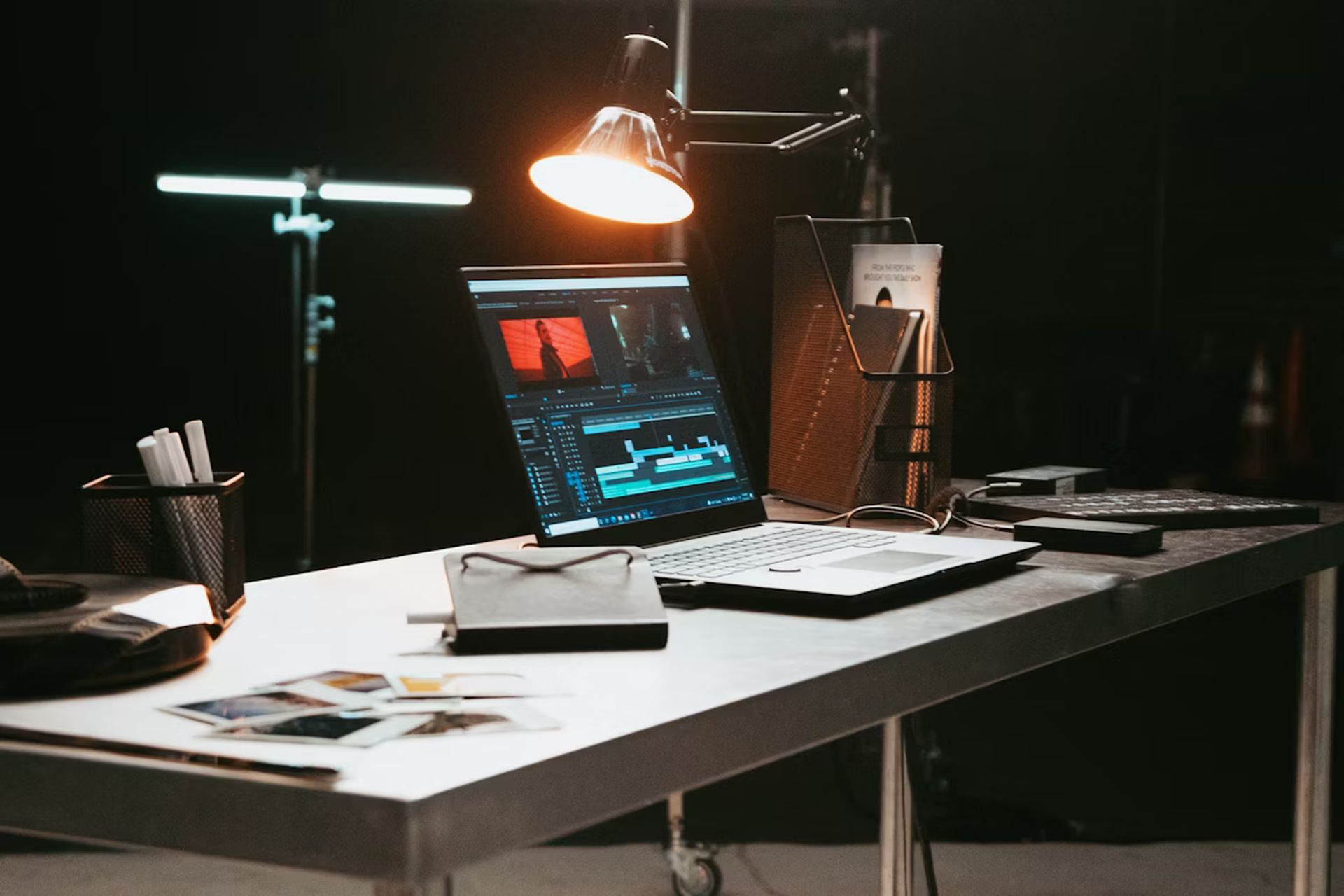
4. Combine all your media in one place
A great video is more than just video clips. It’s a collage of different media. A good video editor will act as your all-in-one hub, letting you add:
- Photos: Drop in JPEGs or PNGs to illustrate a point.
- Music: Add a background music track to set the mood (many tools have their own stock library).
- Voiceovers: Record your own voice directly in the editor.
- Multiple Formats: A common headache is when your phone shoots a
.MOVfile and your camera shoots an.MP4. You shouldn’t have to worry about a video file format; a good online tool will be compatible with all of them and handle the conversion seamlessly.
Key takeaway: Your job is to be the creative director. The tool’s job is to handle the technical details of your video editing, like formats and file types.
5. Make the final polish
Once your story is assembled, the last 5% of your video editing effort makes all the difference. This includes simple tweaks like:
- Adjusting the volume of your music vs. your voiceover.
- Slowing down or speeding up a clip for dramatic or comedic effect.
- Adjusting the brightness and contrast of your footage to make your footage look cleaner.
Editing from anywhere: The rise of mobile apps
The “browser-first” video editing approach is revolutionary, but what about when you’re not even at a computer? The next logical step is an app that syncs your projects between your phone and your desktop.
This gives you the ultimate flexibility. You can film clips on your phone, start a project in an app while you’re on the go, and then open that same project on your laptop’s browser when you get home to finalize the details.
For instance, creators on iOS can use tools like the Clideo Video Editor app for iOS to manage projects and stay synced across devices.
Your turn to create
The barrier to entry for video creation has never been lower. The tools for online video editing are no longer a locked box of complex, expensive software; they are accessible, affordable, and live right in your web browser. Stop letting the “intimidation barrier” win. Your ideas are worth sharing, and the tools to share them are at your fingertips.