Dataconomy
  • News
    • Artificial Intelligence
    • Cybersecurity
    • DeFi & Blockchain
    • Finance
    • Gaming
    • Startups
    • Tech
  • Industry
  • Research
  • Resources
    • Articles
    • Guides
    • Case Studies
    • Whitepapers
    • AI Models Leaderboard
  • AI toolsNEW
  • Newsletter
  • + More
    • Glossary
    • Conversations
    • Events
    • About
      • Who we are
      • Contact
      • Imprint
      • Legal & Privacy
      • Partner With Us
Subscribe
No Result
View All Result
  • AI
  • Tech
  • Cybersecurity
  • Finance
  • DeFi & Blockchain
  • Startups
  • Gaming
Dataconomy
  • News
    • Artificial Intelligence
    • Cybersecurity
    • DeFi & Blockchain
    • Finance
    • Gaming
    • Startups
    • Tech
  • Industry
  • Research
  • Resources
    • Articles
    • Guides
    • Case Studies
    • Whitepapers
    • AI Models Leaderboard
  • AI toolsNEW
  • Newsletter
  • + More
    • Glossary
    • Conversations
    • Events
    • About
      • Who we are
      • Contact
      • Imprint
      • Legal & Privacy
      • Partner With Us
Subscribe
No Result
View All Result
Dataconomy
No Result
View All Result

There is a way to use ChatGPT Mac app even if you are not invited

byEray Eliaçık
May 28, 2024
in Artificial Intelligence
Home News Artificial Intelligence
Share on FacebookShare on TwitterShare on LinkedInShare on WhatsAppShare on e-mail
Google Preferred Source

Oh, weren’t you invited to the ChatGPT Mac app premiere? Well, there is a way to cut the line! We understand why you want it. This isn’t just a simple port of the web version; the native Mac app offers a host of enhanced features that elevate the user experience to a whole new level. Imagine processing images and screenshots instantly, interacting hands-free using voice commands, and customizing the interface to match your workflow perfectly. These are just a few of the compelling reasons why Mac users are eager to get their hands on this app.

Sounds good, or are you here for the app experience only? Good news! If you want to get rid of browsers to use ChatGPT, we have one more way in the end. But first, let’s start with the workaround everyone is talking about right now.

How to use the ChatGPT Mac app early

If you’re eager to use the ChatGPT Mac app but haven’t received an invite, there’s a workaround to help you get early access. This tip comes courtesy of Diego Jimenez, who shared the method on Instagram and X. While you do need a “Plus” or “Team” account (free users will have to wait a bit longer), here’s how you can access the app now:

Stay Ahead of the Curve!

Don't miss out on the latest insights, trends, and analysis in the world of data, technology, and startups. Subscribe to our newsletter and get exclusive content delivered straight to your inbox.

  • Start by logging into the web version of ChatGPT here.
  • Click on your profile and select “Download the App”. Alternatively, you can directly download the .dmg file for your Mac from the provided link here.
  • After downloading, install the app on your Mac.
  • Open the ChatGPT app and enter your login credentials.
  • As noted by Diego Jimenez, you need to act quickly here! Once you enter your credentials, the app window will resize. Before a login error appears but after the window has resized, close the app using CMD+Q.
  • After closing the app, relaunch it. This should log you in and give you access to the Mac version of ChatGPT without needing an invite.
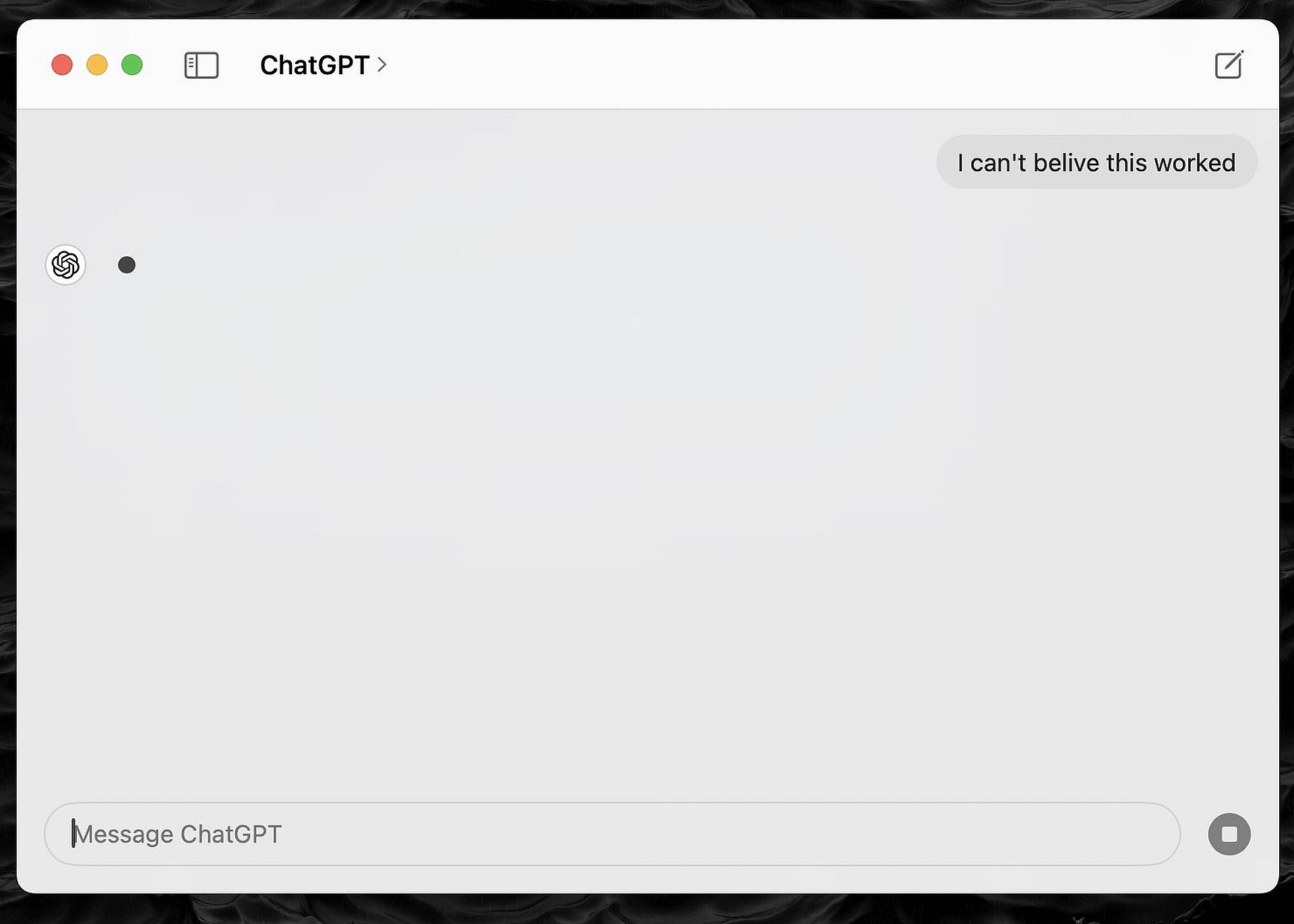
Missed the ChatGPT Mac app invite? Discover how to use ChatGPT early with a simple but effective workaround you can try now!
The ChatGPT Mac app offers enhanced features such as instant image processing and voice-based chatbot interactions, making it more dynamic and user-friendly than the web version (Image credit)

By following these steps, you can bypass the invite-only restriction and start using the ChatGPT Mac app today. Is the ChatGPT Mac app not working after the workaround? We have one more option to try.

The other way

First things first, this method won’t grant you access to advanced ChatGPT features for Mac, such as instant image processing. However, you can still utilize all functionalities via web browsers. You can download any web page as a web app, including ChatGPT. This approach also conserves space on your hardware. Here is how to do it:

  • Launch the Microsoft Edge browser on your Mac.
  • Go to the ChatGPT website.
  • Click the three-dot menu button in the top toolbar.
  • Navigate to “Apps” and select “Install This Site as an App.”
  • In the pop-up window, you can change the app’s title if desired, then click the “Install” button.

Once installed, ChatGPT will appear as a separate app in your Dock, allowing you to switch to it easily using the app switcher. Enjoy!


Featured image credit: cottonbro studio/Pexels

Tags: chatgpthow tomac

Related Posts

Does your AI clock in without you?

Does your AI clock in without you?

June 3, 2026
Anthropic invites 150 more organizations into Project Glasswing

Anthropic invites 150 more organizations into Project Glasswing

June 3, 2026
Microsoft unveils Project Solara for an agent-first future

Microsoft unveils Project Solara for an agent-first future

June 3, 2026
OpenAI expands Codex with enterprise plug-ins and new Sites feature

OpenAI expands Codex with enterprise plug-ins and new Sites feature

June 3, 2026
Google will let websites opt out of AI search results

Google will let websites opt out of AI search results

June 3, 2026
Best AI game maker tools and guide to AI game development

Best AI game maker tools and guide to AI game development

June 2, 2026

LATEST NEWS

Why Telegram Mini Apps have become the optimal ecosystem for launching AI SaaS products

Crypto investors are watching one date closely in 2026

How Telegram Creators test post visibility before running growth campaigns

Does your AI clock in without you?

Why secure software delivery depends on better release management

Sony reveals God of War: Laufey for PS5

BEST AI MODELS LEADERBOARD

See the best AI models, ranked by intelligence, benchmark results, speed and token price. Find the most suitable LLMs, Text-to-Image, Image Editing, Text-to-Speech, Text-to-Video and Image-to-Video  artificial intelligence model for your tasks and business.

LATEST TOOLS

Veed.io

Paper Pilot

IsOn24

Magnific

DADABOTS

Rosebud AI

Prome

Pageon AI

Vyond

Centauri AI

Dataconomy

COPYRIGHT © DATACONOMY MEDIA GMBH, ALL RIGHTS RESERVED.

  • About
  • Imprint
  • Contact
  • Legal & Privacy

Follow Us

  • News
    • Artificial Intelligence
    • Cybersecurity
    • DeFi & Blockchain
    • Finance
    • Gaming
    • Startups
    • Tech
  • Industry
  • Research
  • Resources
    • Articles
    • Guides
    • Case Studies
    • Whitepapers
    • AI Models Leaderboard
  • AI tools
  • Newsletter
  • + More
    • Glossary
    • Conversations
    • Events
    • About
      • Who we are
      • Contact
      • Imprint
      • Legal & Privacy
      • Partner With Us
No Result
View All Result
Subscribe

This website uses cookies to improve your experience. You can choose to accept or reject them. Visit our Privacy Policy.