Remini
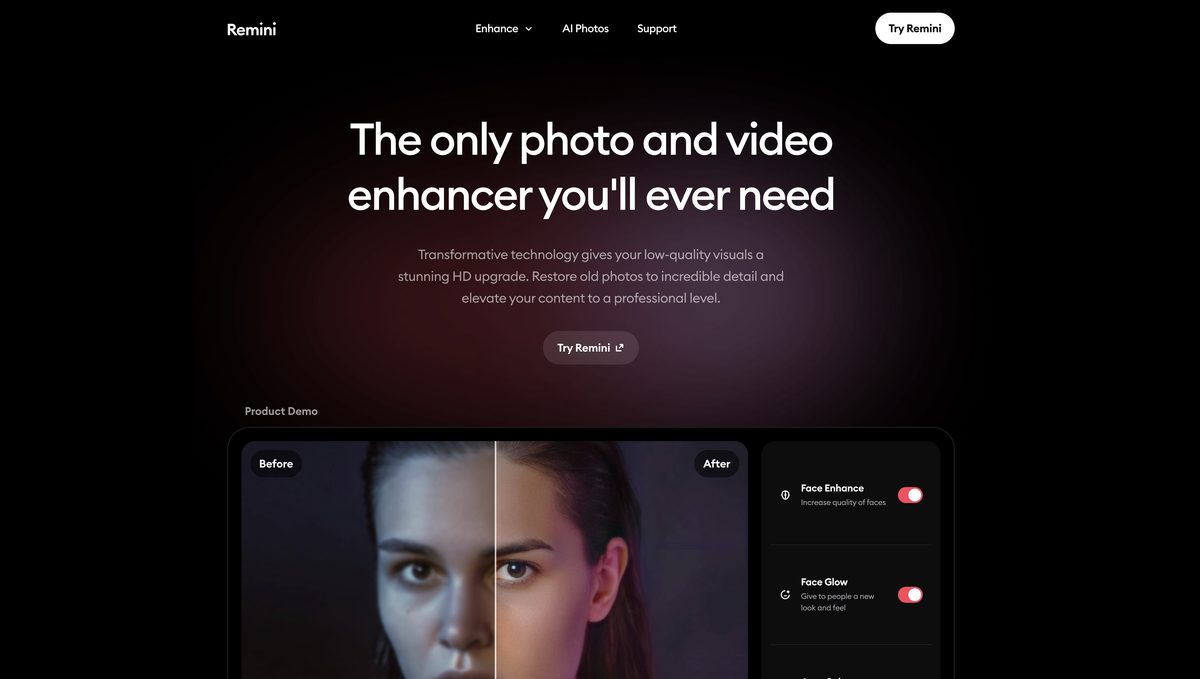
Remini is an advanced AI-powered tool that enhances photos and videos, transforming low-quality, old, blurred, or damaged visuals into stunning high-definition content using state-of-the-art technology. It offers features like unblurring and sharpening, denoising, old photo restoration, image upscaling up to 2x without quality loss, color fixing, face and background enhancement, and video enhancement. Additionally, it includes generative AI for creating realistic professional-quality photos and API services for easy integration into other products. With over 70 million users, it's ideal for social media, e-commerce, heritage preservation, education, and magazines, available on web and mobile apps with a freemium model.
Pros
- Transforms old photos into HD
- Enhances low-quality images
- Facial detail reconstruction
- Quick image processing
- Upscales images 2x without quality loss
- Video enhancement capabilities
- API for easy integration
Cons
- Difficult to evaluate authenticity
- Potential over-enhancement
- Fixing color distortions limited
- Limited upscaling capabilities
- Potential loss of originality
- Inferior results for non-portraits
- Inconsistent performance across industries
- Excessive reliance on internet connection
Remini is a sophisticated AI tool expressly built for enhancing visuals like photos and videos. Utilizing cutting-edge AI technology, Remini transforms old and low-quality images and video footage into striking high-definition content.
Remini uses innovative, state-of-the-art AI technology to convert old photos into HD masterpieces. It unblurs, sharpens, denoises, and restores old photos, enlarging them without impacting the quality.
Yes, Remini has a feature called 'Face Enhancer.' This feature is designed to enhance the quality of faces in the images, dramatically improving the detail and providing a natural look.
Using Remini, users can enlarge their images up to 2x their original size. The 'Image Enlarger' feature in Remini ensures that this upscaling does not compromise the quality of the image.
Yes, Remini offers a feature called 'Color Fixer' which is intended to correct color distortions. This feature enhances the spectrum of colors in photos, improving the tones and producing natural and vivid images.
Several industries can benefit from using Remini. These include social media platforms, heritage preservation, e-commerce for product photos, educational materials, and magazines.
Yes, Remini has a feature called 'Unblur & Sharpener' that can effectively remove any motion blur, camera shake, or focus issues.
The 'Old Photos Restorer' feature in Remini is designed to breathe new life into faded, blurred, and damaged photos. It enhances these images, making them clearer, more vibrant, and highly detailed.
Yes, Remini offers a feature called 'Video Enhancer.' This service provides a solution for enhancing and enlarging videos using AI-powered technology.
Yes, Remini offers API services that allow easy integration of its HD technology into other products with only a few lines of code.
Become a Contributor
Sign in to unlock these features:
- ⭐️ Rate this tool with a 1-5 star score
- ✍️ Write a detailed review for the community
- ❤️ Follow this tool to get important updates
Get started in seconds
[jnews_social_login_form]
