Fabrie AI
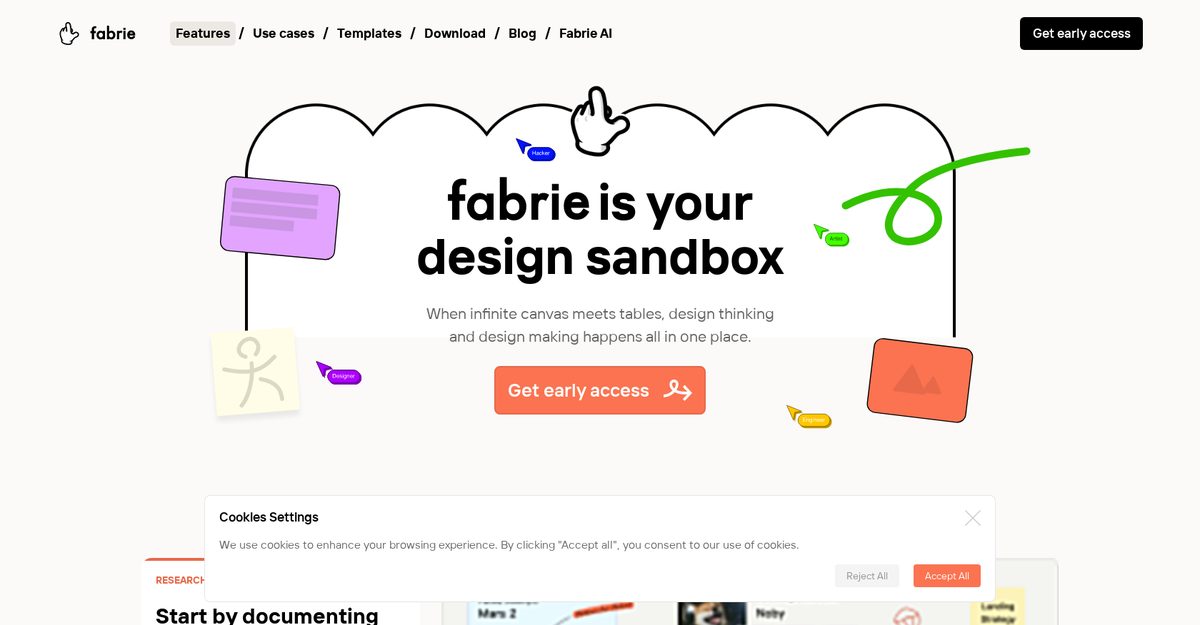
Fabrie AI is a comprehensive online collaboration platform that transforms the traditional whiteboard into a digital workspace designed for team brainstorming and design thinking. It features an infinite canvas where users can create mind maps, flowcharts, and drawings, alongside managing research and insights in real-time or asynchronously. Tailored for designers, Fabrie facilitates the organization of design files, creation of mood boards, and sharing of iterations with clients through customizable templates and a user-friendly database system.
Pros
- Infinite canvas for design
- Real-time brainstorm sharing
- Create mind maps
- Flowcharts, drawings creation
- Sticky notes feature
- In-tool team communication
- Can be used asynchronously
Cons
- Lacks advanced commenting system
- No offline mode
- No version control
- No integration with popular tools
- Not suitable for non-designers
- Infinite canvas may overwhelm
- No mobile app
Fabrie AI is primarily used as an online collaboration platform that provides a digital whiteboard space for teams to brainstorm, design, and share ideas in real-time.
Yes, Fabrie allows teams to communicate and collaborate anytime, anywhere, supporting both real-time and asynchronous workflows.
Absolutely, Fabrie is particularly useful for designers to organize and manage design files, create mood boards, and handle design iterations.
Yes, the platform comes with a number of design templates that can be modified and saved for later use to streamline the design process.
Fabrie features an infinite canvas that can meet tables, enabling comprehensive design thinking and keeping all project elements in one place.
Yes, it includes a user-friendly database that allows teams to manage materials and link items on the board without any coding knowledge.
Fabrie includes a web clipper and a desktop app, making it easy for users to access the tool and capture content from various devices.
Yes, Fabrie allows designers to share design iterations and mood boards directly with clients, facilitating better communication and feedback.
Yes, the tool features in-tool team communication capabilities, allowing team members to discuss ideas and feedback directly on the platform.
Fabrie operates on a freemium model with paid options starting from $9/month, offering additional features for advanced users and teams.
Become a Contributor
Sign in to unlock these features:
- ⭐️ Rate this tool with a 1-5 star score
- ✍️ Write a detailed review for the community
- ❤️ Follow this tool to get important updates
Get started in seconds
[jnews_social_login_form]
