DaVinci
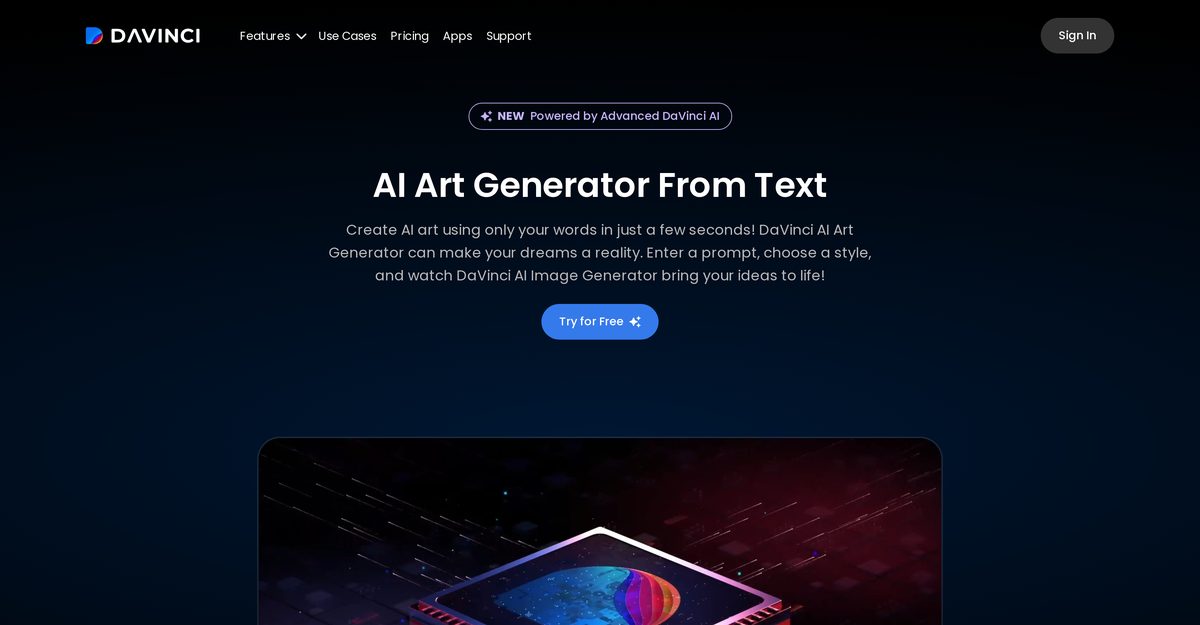
DaVinci - AI Art Generator is an advanced AI-powered tool that transforms text prompts and uploaded photos into unique digital artworks, including photorealistic images, concept art, tattoos, logos, avatars, and custom designs. It leverages complex algorithms to understand nuances of color, texture, and light, supporting dozens of styles like Hyperrealism, Cyberpunk, Anime, and Oil Painting, with editing tools for erasing, replacing elements, and adding effects. Features like Tattoo Generator, Logo Generator, AI Avatar Generator, Interior Designer, and multi-model support (DaVinci XL, Stable Diffusion, DALL·E 3) make it versatile for content creators, marketers, and artists. The intuitive interface caters to novices and professionals, saving time, exploring creativity, and lowering barriers to art production without replacing human artists.
Pros
- Understands color nuances
- Interprets texture details
- Grasps light variations
- Transforms simple inputs into complex art
- Interface is easy-to-use
- Supports all skill levels
- Saves artists' time
Cons
- Limited to digital art
- Lacks human creative instincts
- Possible style replicating errors
- Not a substitute for artists
- Difficult for traditional artists
- May not produce uniqueness
- Not applicable for physical art
- Could lead to art standardization
DaVinci - AI Art Generator is an advanced tool powered by artificial intelligence, capable of creating unique and compelling works of art from text prompts or photos, including images, tattoos, logos, and avatars.
It employs complex algorithms to understand nuances of color, texture, and light, converting simple inputs into complex, visually appealing art using models like DaVinci XL and Stable Diffusion.
Dozens of styles like Hyperrealism, Cyberpunk, Anime, Oil Painting, photorealistic, cartoon, and abstract.
It can be used by novices and professionals alike, with an easy-to-use, intuitive interface accessible to all skill levels.
Editing tools include Erase to remove objects/backgrounds, Replace Anything to swap parts, and adding effects or text.
Yes, it has dedicated Tattoo Generator for custom designs from descriptions and Logo Generator for branding.
No, it enhances creativity and output but does not replace the human artist.
Digital artworks, tattoo designs, logos, AI avatars, home prints, marketing materials, presentations, and concept art.
Yes, available on web, mobile, and desktop apps for Mac/Windows, with high-res downloads and sharing.
By evaluating inputs, learning styles, and recreating them uniquely, blending human input with AI interpretation.
Become a Contributor
Sign in to unlock these features:
- ⭐️ Rate this tool with a 1-5 star score
- ✍️ Write a detailed review for the community
- ❤️ Follow this tool to get important updates
Get started in seconds
[jnews_social_login_form]
