Curiosity.AI
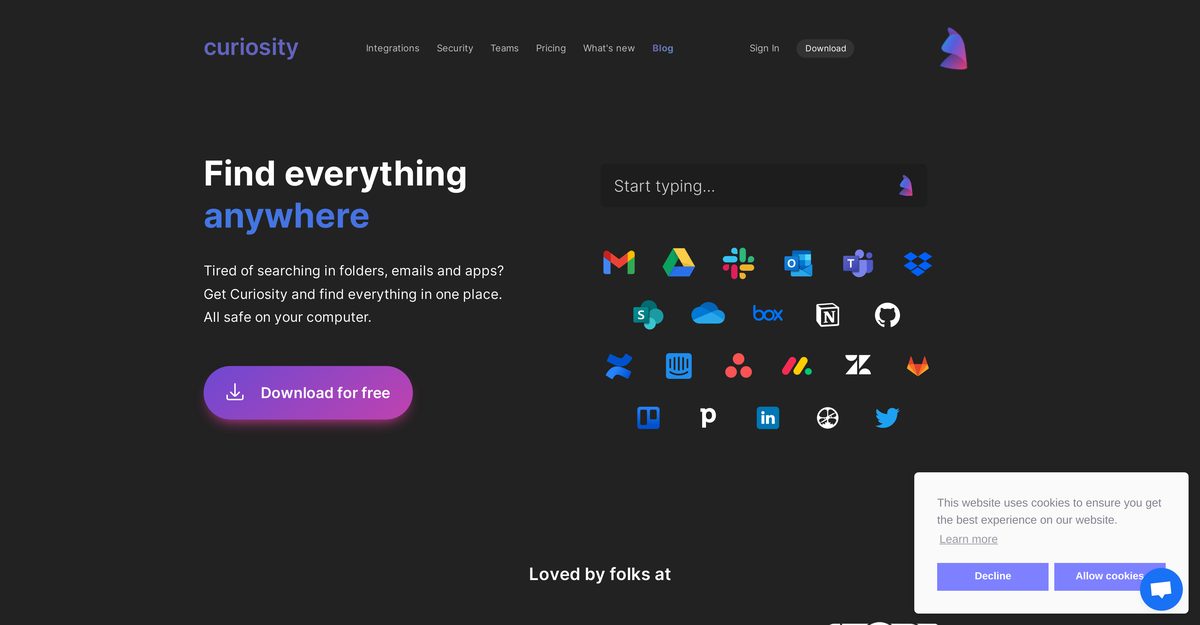
Curiosity.AI is an AI-powered search and productivity tool that unifies searching across local files, cloud apps, emails, and web into a single intuitive interface, eliminating the need for multiple searches. It integrates AI chat to talk to files for quick insights, automate tasks with custom AI assistants like writing or grammar checks, manage multiple email accounts, schedule events, and tag files for faster access. Data security is prioritized with local processing, no server storage, and options for local LLMs, OCR, and STT. Available as a desktop app with Workspaces for team collaboration, it enhances workflow efficiency across platforms.
Pros
- Searches across all apps and files at once
- Unified interface for emails, files, and apps
- Productivity enhancer with quick access
- Cross-platform search capabilities
- Manages multiple email accounts in one place
- Instant event scheduling and joining
- Data remains securely on user's device
Cons
- No mobile version
- Lacks advanced search operators
- No offline functionality
- Doesn't support all cloud services
- Limited web search capabilities
- No multi-language support
- No file preview
- Limited customisation options
Curiosity.AI is a versatile tool that assists users in searching across all their applications and files at once. The design's aim is to boost productivity by eliminating the need to search individually in folders, emails, or distinct apps.
Curiosity.Ai enhances productivity by eliminating the need to search individually across multiple folders, email accounts, or apps. It provides a unified interface where users can find everything they need, thus saving time.
Yes, Curiosity.AI allows users to search across all their applications and files. It eliminates the need to search individually in folders, emails, or different apps.
Yes, besides file search functionality, Curiosity.AI offers a range of other features. These include the management of multiple email accounts from one place, the scheduling and joining of events instantly, quick access to commonly used applications, and a web search facility.
Curiosity.AI ensures the security of user data by storing all data securely on their device. The tool does not have access to any of the users' files, emails, or apps, thereby protecting user data privacy.
Yes, Curiosity.AI provides the functionality to manage multiple email accounts from a single place. This allows users to maintain all their emails in one easy-to-access interface.
Yes, Curiosity works across different platforms. The cross-platform search feature makes it possible for users to search for their data and documents across multiple platforms and services at once.
Yes, Curiosity.AI does support web search functionality. This feature comes in handy for users who need to quickly look up information on the internet while working with their digital files.
Yes, Curiosity.AI is designed to be user-friendly. It offers a helpful and intuitive search tool that provides an efficient way of searching across all apps and files at once.
Yes, Curiosity.AI allows users to tag vital files, enabling quicker access. With tags, users can easily keep track of important files and documents and retrieve them swiftly when necessary.
Become a Contributor
Sign in to unlock these features:
- ⭐️ Rate this tool with a 1-5 star score
- ✍️ Write a detailed review for the community
- ❤️ Follow this tool to get important updates
Get started in seconds
[jnews_social_login_form]
