Clipdrop
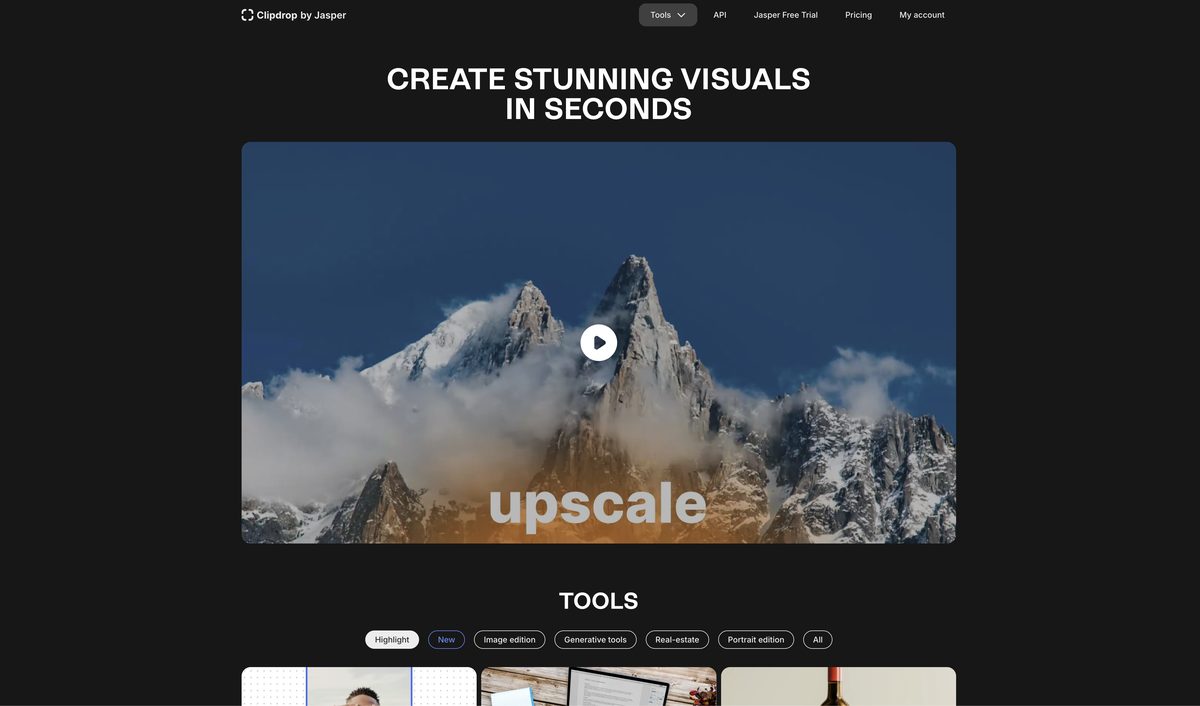
ClipDrop is an AI-powered platform offering a suite of tools for image creation, editing, and enhancement, including background removal, object and text cleanup, image upscaling, relighting, uncropping, and text-to-image generation powered by Stability AI's Stable Diffusion. It provides seamless integrations with Adobe Photoshop, Figma, and an API for developers, available on web, desktop, iOS, and Android apps. Ideal for creators, e-commerce product photography, real estate, and team visuals, it enables fast, high-quality workflows with freemium access and premium plans from $11.87/month.
Pros
- Accurate background and object removal
- Image upscaling and relighting features
- Integrations with Photoshop and Figma
- Mobile apps for iOS and Android
- Fast and user-friendly interface
- API for developer integration
- High-quality outputs powered by Stability AI
Cons
- Limited image enhancement capabilities
- No batch processing in free tier
- Limited re-lighting functionality
- Upscaling lacks fine-tuning control
- Text remover sometimes inaccurate
- Free version has watermarks and limits
- Requires internet connection
- Inconsistent results for complex edits
ClipDrop features tools powered by AI for removing backgrounds, objects, people, text, and defects; enhancing via relighting and upscaling; and generating images from text. It offers plugins for Photoshop and Figma plus API integration.
Yes, ClipDrop's Cleanup tool removes objects, people, text, defects, and watermarks automatically with high accuracy.
Yes, it upscales images by 2x to 16x while removing noise and recovering details.
Yes, the Text to Image tool generates realistic high-resolution images from text prompts using Stable Diffusion.
Yes, the Replace Background tool removes the original background and places the subject in a new setting.
Yes, it's available as iOS and Android apps for on-device access to features.
Yes, ClipDrop has a free tier with basic features, though premium unlocks unlimited access.
Developers can integrate via the ClipDrop API, supporting tools like cleanup, upscaling, and text-to-image.
Yes, it automates product image editing for consistent, high-quality visuals, saving time and costs.
Yes, ClipDrop requires an internet connection for AI processing.
Become a Contributor
Sign in to unlock these features:
- ⭐️ Rate this tool with a 1-5 star score
- ✍️ Write a detailed review for the community
- ❤️ Follow this tool to get important updates
Get started in seconds
[jnews_social_login_form]
