AIDE AI
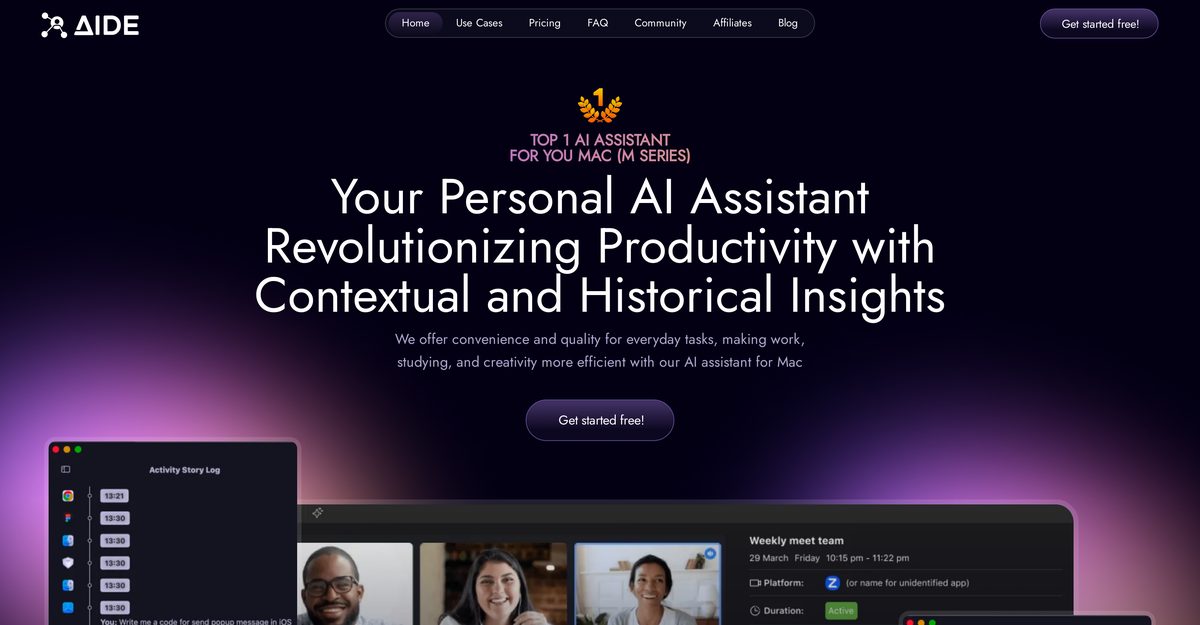
AIDE AI is a native AI assistant for macOS (M series) designed to streamline workflows through efficient note-taking, transcription, and meeting management. It provides lightning-fast, high-speed transcription of meetings from any platform (Zoom, Teams, etc.) with support for 112 languages, and generates intelligent summaries and action items. Crucially, all audio processing and sensitive data handling occur locally on the Mac, providing superior privacy compared to cloud-based transcription tools. Premium features include screen content analysis, allowing the AI to understand and provide guidance based on what is currently displayed on the user's screen.
Pros
- Private, on-device processing (no audio sent to the cloud)
- Lightning-fast transcription (up to 30x real-time speed)
- Works with all major meeting platforms (Zoom, Teams, Meet, etc.)
- Supports unlimited meetings in 112 languages
- Intelligent summarization into key points and action items
- Screen content analysis feature (Premium) provides contextual guidance
- Native Mac app with excellent performance on M series Macs
Cons
- Only available for macOS (M series); no Windows or mobile version
- Setup and configuration can be tricky for non-technical users
- Screen content analysis and advanced features require a paid plan
- Transcription accuracy is not publicly guaranteed (WER not published)
- Support responsiveness can be slow on the free tier
- Cannot easily export or share full transcripts in all formats
- Some reports of audio capture hiccups with complex setups
AIDE AI is a native AI assistant for macOS that records, transcribes, and summarizes meetings, letting you focus on the conversation instead of note-taking.
Yes, all audio and processing happen locally on your Mac; no audio data is sent to the cloud, ensuring strong privacy.
Transcription can be up to 30x real-time speed, providing quick access to accurate text notes.
Yes, it captures audio from any major meeting platform, including Zoom, Microsoft Teams, and Google Meet.
It supports transcription and understanding across 112 languages.
AIDE AI is only available for Apple silicon (M series) Macs.
In the Premium plan, the AI can see and understand what is on your Mac screen and use that context in its chat and guidance.
Yes, a free plan offers unlimited meetings and access to the AI assistant using proven AI models.
Yes, it syncs with your calendar to automatically organize and prepare for scheduled meetings.
AIDE AI offers superior privacy by performing all sensitive audio processing locally on your device, unlike cloud transcribers.
Become a Contributor
Sign in to unlock these features:
- ⭐️ Rate this tool with a 1-5 star score
- ✍️ Write a detailed review for the community
- ❤️ Follow this tool to get important updates
Get started in seconds
[jnews_social_login_form]
