AdBlock360 stands out from other adblockers by offering more customizable filtering options and improved user control over which ads are blocked. Most adblockers focus on blanket ad removal, but AdBlock360 gives users the ability to fine-tune their browsing experience.
It also includes built-in privacy tools and anti-tracking features that go beyond the standard blocking functions found in many popular adblockers. This makes it a practical choice for anyone looking for more than just basic ad blocking.
Users interested in controlling their privacy, speed, and browsing preferences often find that AdBlock360 meets their needs in ways other extensions might not. This comparison helps clarify whether AdBlock360’s unique features are a better fit than other available options.
Core differences between AdBlock360 and other adblockers
AdBlock360 and other adblockers are built on different technical frameworks, which leads to varied outcomes in blocking effectiveness, privacy safeguards, and impact on device performance. A side-by-side analysis reveals notable distinctions that can underpin a user’s choice of tool.
Blocking technology comparison
AdBlock360 uses a hybrid filtering engine that combines traditional filter lists with heuristic analysis to detect emerging ad formats. This allows it to block both static and dynamic ads, including those hidden behind obfuscation techniques. In contrast, most popular adblockers rely heavily on filter lists such as EasyList, which may miss newer ad formats or require frequent manual updates.
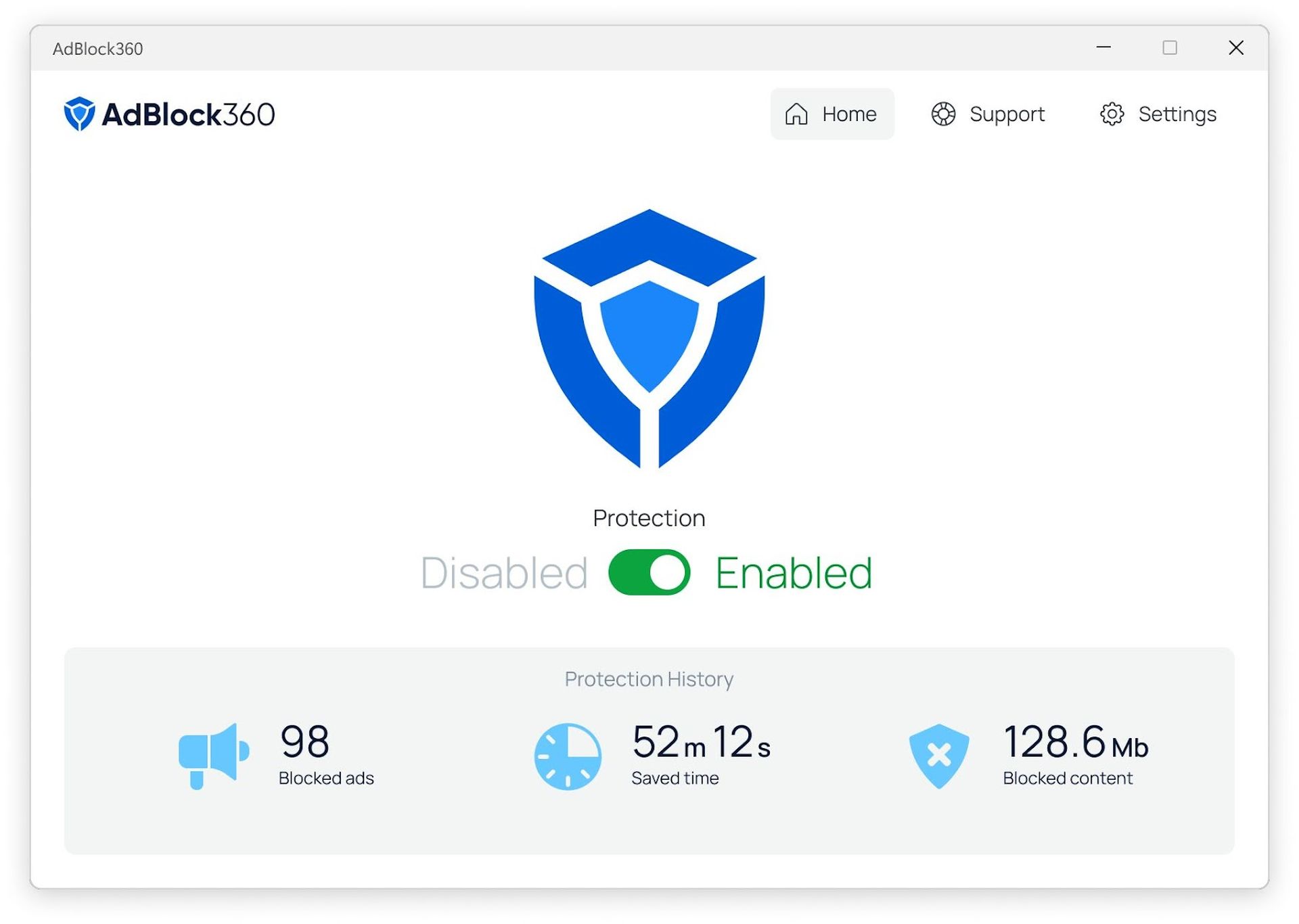
A key feature of AdBlock360 is its real-time script analysis, which automatically adapts to changes on web pages. This gives it an edge in blocking pop-ups, auto-play videos, and in-page overlays that may bypass older blocking methods.
| Feature | AdBlock360 | Most Adblockers |
| Filter list support | Yes | Yes |
| Heuristic analysis | Yes | Rare |
| Adaptive script detection | Yes | No |
| Manual updates needed | Less frequent | More frequent |
User privacy and data protection
Privacy standards vary across adblockers. AdBlock360 processes filtering locally and does not collect or send user data to remote servers. This minimizes exposure to data mining or tracking risks. The extension also blocks third-party trackers by default, increasing privacy for non-technical users.
Other adblockers may use cloud-based checks or optional telemetry features that transmit usage statistics. While some brands are transparent about this, users must actively disable tracking permissions to prevent data sharing. AdBlock360’s approach protects personal information without requiring additional configuration.
Key privacy practices:
- No remote logging of browsing activity.
- Built-in tracker blocking.
- No user-identifiable telemetry.
Performance and resource usage
AdBlock360 is designed for light resource consumption, using optimized code paths and delaying non-essential processes until after page load. Independent benchmarks show that memory usage and CPU demands remain low even on resource-constrained systems.
Several mainstream adblockers are known to increase memory usage and prolong web page load times, especially when handling large filter lists. AdBlock360 minimizes this by caching frequent blocking decisions and using parallel processing to reduce latency.
The following list highlights specific performance characteristics:
- Lower average CPU usage compared to adblockers that rely mainly on static filtering.
- Minimal increase in browser RAM, frequently under 90 MB per session.
- Negligible effect on browsing speed due to asynchronous processing.
Unique features and benefits of AdBlock360
AdBlock360 provides specific enhancements not commonly found in standard adblockers. Its focus lies in customization, compatibility, and direct customer support.
Ad customization options
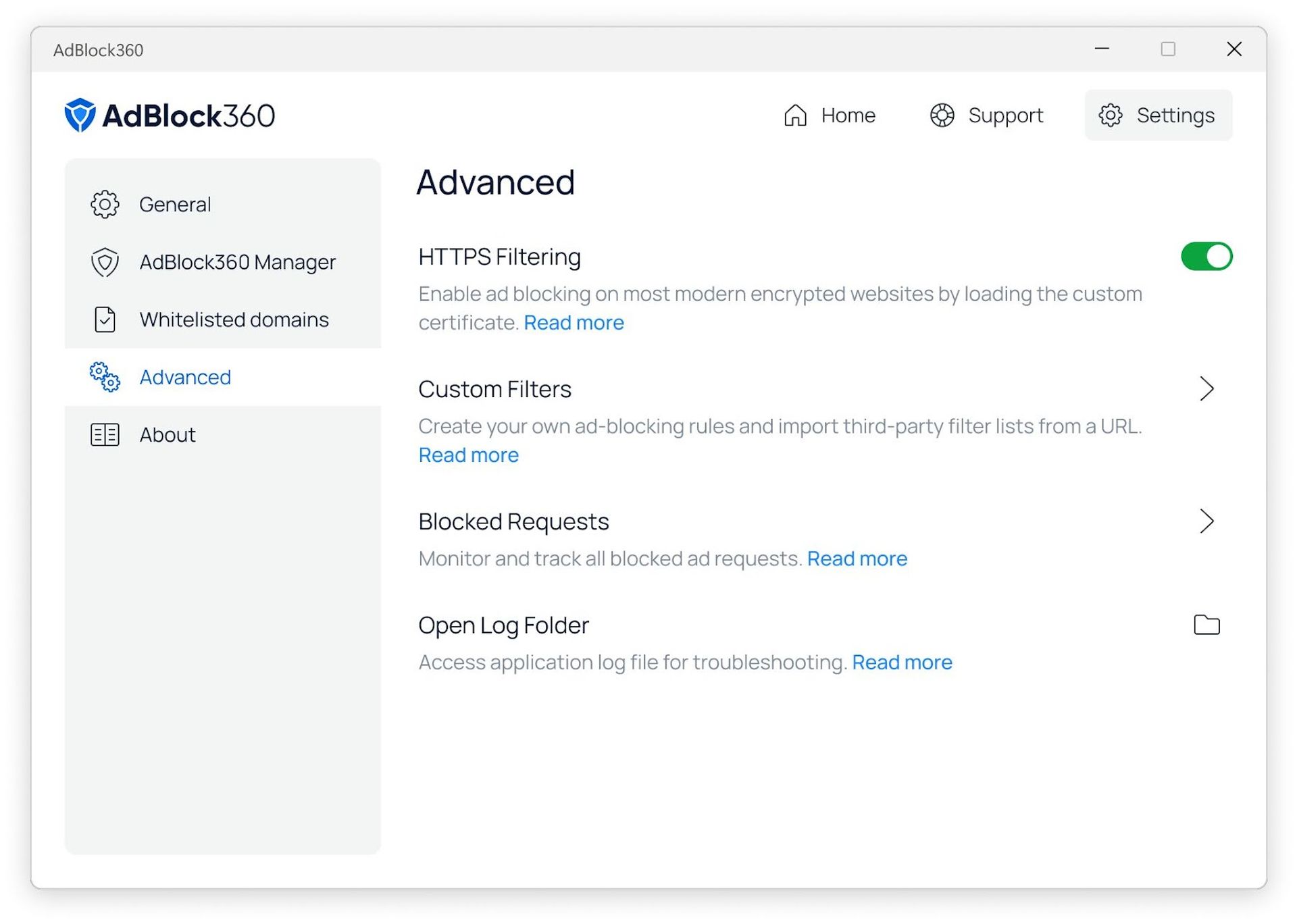
AdBlock360 enables users to selectively block or allow different types of ads. This control includes toggles for banners, pop-ups, autoplay video ads, and sponsored content. The filtering options are accessible through a simple interface, allowing users to make adjustments with just a few clicks.
Unlike many adblockers that use fixed lists, AdBlock360 offers real-time filter customization. Advanced users can add custom rules or white-list specific websites. This flexibility benefits users who want to support certain publishers while keeping other content blocked.
A summary of key features:
| Feature | AdBlock360 | Typical Adblocker |
| Custom Ad Filters | Yes | Limited/None |
| Site-specific Whitelisting | Yes | Sometimes |
| Real-time Adjustments | Yes | No |
Cross-platform compatibility
AdBlock360 supports a range of operating systems and browsers, including Windows, macOS, Linux, Android, and iOS. Browser extensions are provided for Chrome, Firefox, Edge, and Safari. This ensures users experience consistent ad blocking across their devices.
The service syncs user preferences and settings through a secure cloud account. Changes to filters or whitelists on one device update instantly on all others linked to the same profile. AdBlock360 also addresses mobile-specific ad types, such as in-app banners and redirects, which are often missed by other blockers.
This breadth of support is beneficial for users who rely on multiple devices daily.
Customer support quality
AdBlock360 operates a dedicated customer support system with direct help via email and live chat. Response times are typically under 24 hours. Troubleshooting resources and setup guides are available on their website for self-service assistance.
A ticket tracking system keeps users informed about their request status. Regular updates and specific feedback are provided, rather than only automated replies. This approach reduces user frustration, especially for complex configuration issues.
A brief list of support features:
- Live chat and 24/7 email support
- Detailed troubleshooting guides
Personalized responses to technical issues
Test it yourself: https://adblock360.com